Nobody watches your cameras. Now CamRA does.

CamRA records the IP cameras you already have, and watches the recordings for you. It can write a short report on what happened in a recording, alert you when it sees something you asked it to watch for, and answer questions about what it saw.

Logistics siteOct 6–7

  1. Main Entrance

    Pedestrians and parked vehicles at main entrance; one moving vehicle (possible emergency unit) observed

    5/10
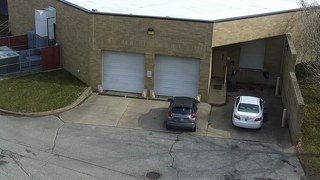
  2. Loading Dock 1

    Parked vehicle with brief movements at Loading Dock 1

    2/10
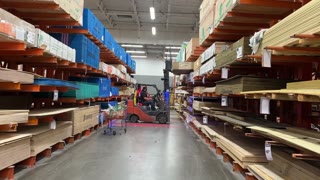
  3. Warehouse Aisle 3

    Routine forklift activity with personnel in Aisle 3

    3/10
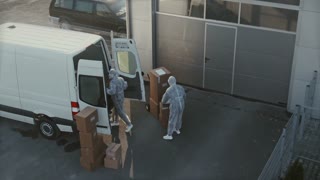
  4. Dispatch Bay

    Individuals in hazmat suits loading white van at dispatch bay

    Matched the rule Delivery van at Dispatch Bay

    7/10

AI Incidents

Every recording, watched for you.

CamRA watches every recording and, on the cameras you choose, tells you within minutes what happened in a short report scored from 0 to 10.

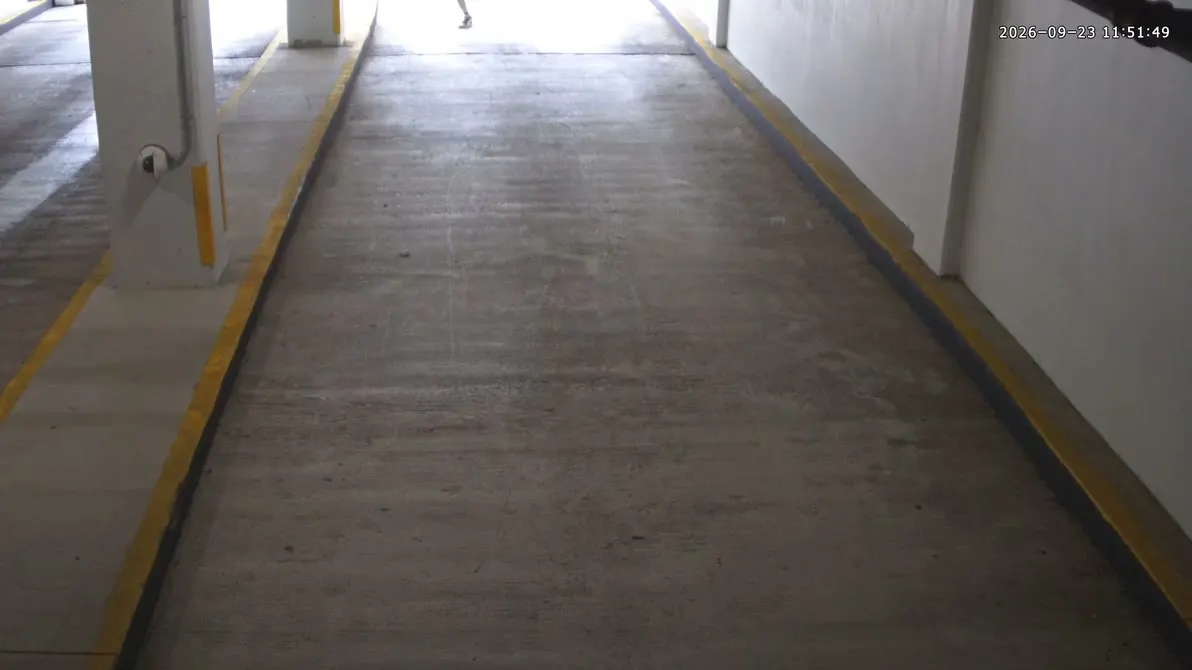
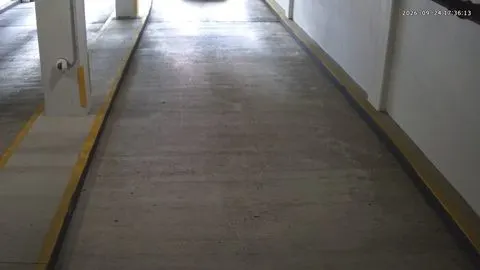
Our Garage Exit 2 camera: a person runs down the ramp toward the camera, with a person box (face pixelated)

The report CamRA wrote

Medium5/10

Single person running through Garage Exit 2

A single person was detected running down the garage exit hallway at Headquarters. …

Garage Exit 2Sep 23, 11:51 AM

AI Alerts

Tell it what to watch for.

Pick the cameras, the hours and who hears about it, and say what to watch for in your own words. CamRA checks each recording against your rule and, within minutes, tells the right people why it matched.

RuleDelivery van at Dispatch Bay

When a delivery vehicle is being unloaded on Dispatch Bay between 6:00 AM and 6:00 PM, notify 3 recipients.

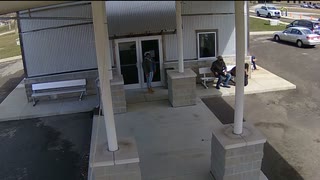
The Dispatch Bay recording that matched the rule, playing in the CamRA web app with its person and car boxes: three people in protective suits loading a white van

Why it matched

The clip shows three people next to a white van at the Dispatch Bay with the vehicle door open, handling boxes and equipment for an 18-second duration. …

Event alert: Delivery van at Dispatch Bay

To the rule's 3 recipients, as each one chose: in the app, by email and on iPhone (the CamRA app is in testing).

AI Chat

Ask it what it saw.

Type a question the way you would ask a colleague. CamRA answers from everything it has watched, with the numbers and the recording itself.

  • Answers with clips you play on the spot
  • Only the cameras each person can see
  • Plain English, no search syntax
CamRA Assistant

Someone ran through the garage exit today. Can you show me the video?

The Garage Exit 2 recording CamRA answered with: a man in a cap runs down the garage ramp toward the camera (face pixelated)

Camera: Garage Exit 2

Time: 11:51 AM

Duration: 12 seconds

Detections: 1 person

Which camera was busiest today?

Busiest camera (so far today): Retail Atrium

Total detections: 354

People: 353

Vehicles: 1

Other high-activity cameras (for context):

Street Corner: 305 (205 vehicles, 100 people)

Main Lot: 221 (195 vehicles, 26 people)

Lobby: 150 (150 people)

A car came into the garage around 8 this morning. Can you show me?

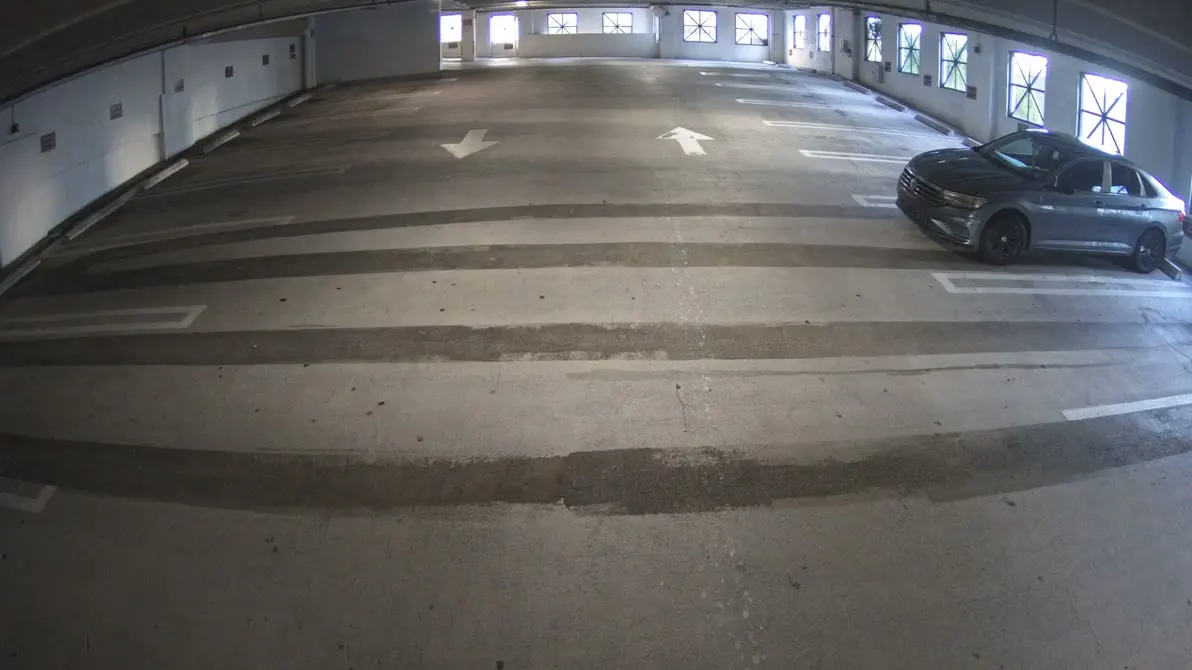
The Garage Entrance 2 recording CamRA answered with: a black car drives into the garage and away up the lane (plate pixelated)

Camera: Garage Entrance 2

Time: 8:00 AM

Duration: 32 seconds

Detections: 1 car, 1 license plate

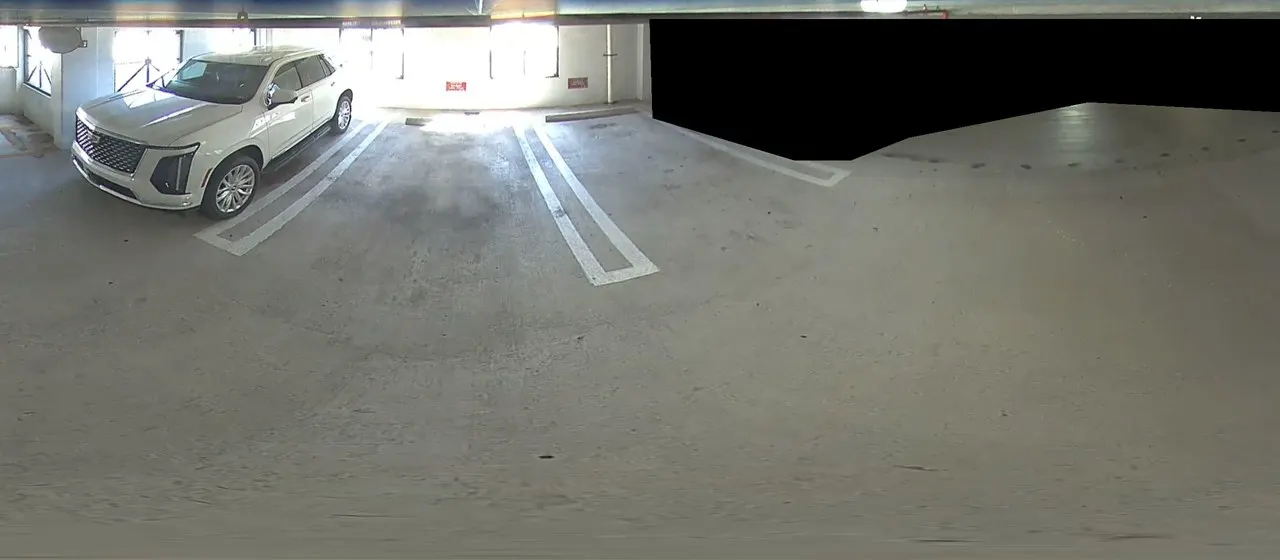
Live view and 360

Watch for yourself, anytime.

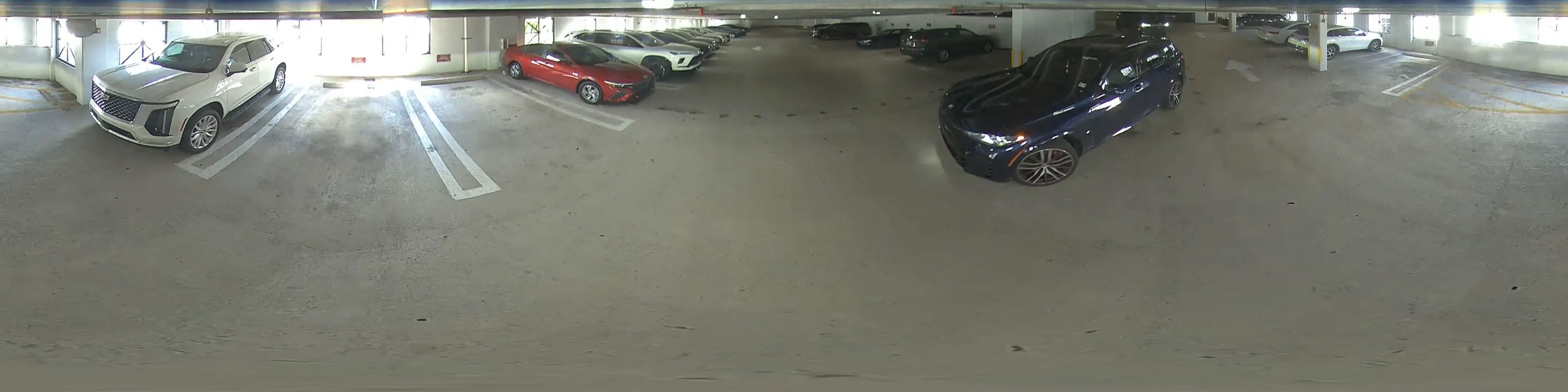
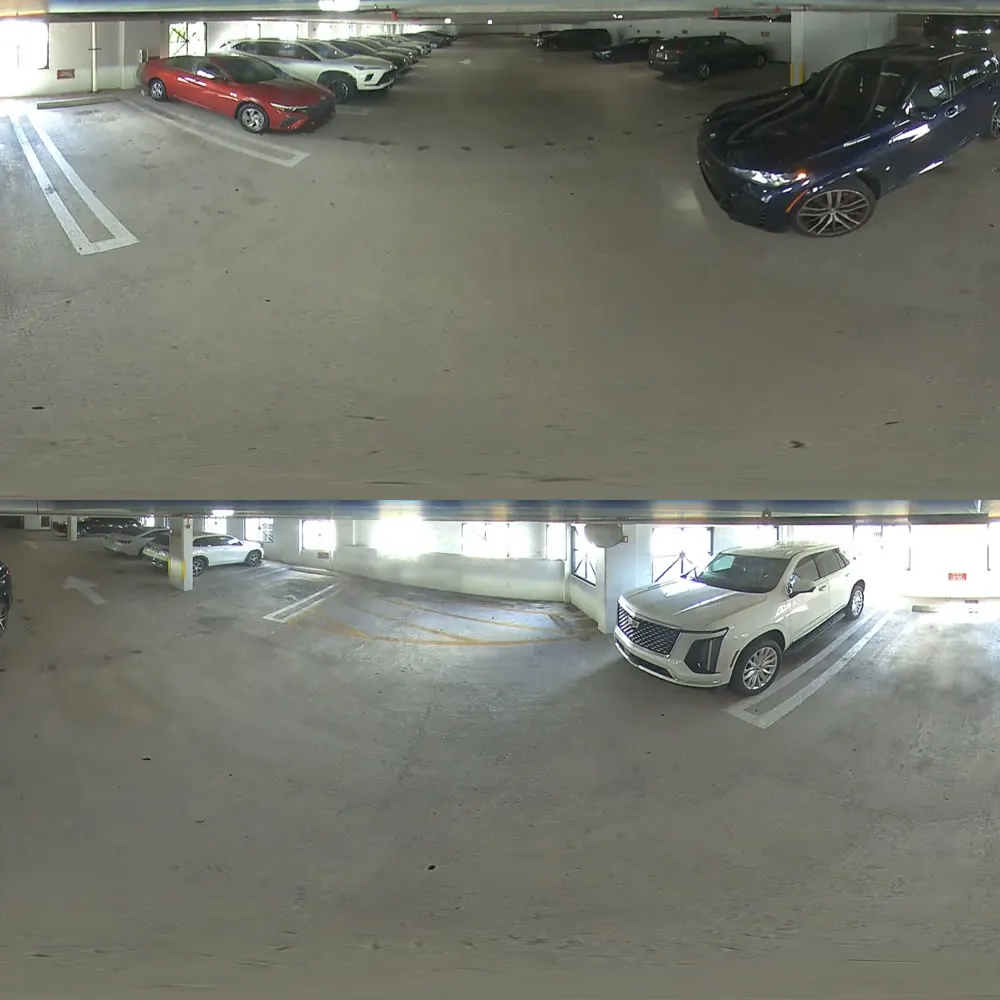
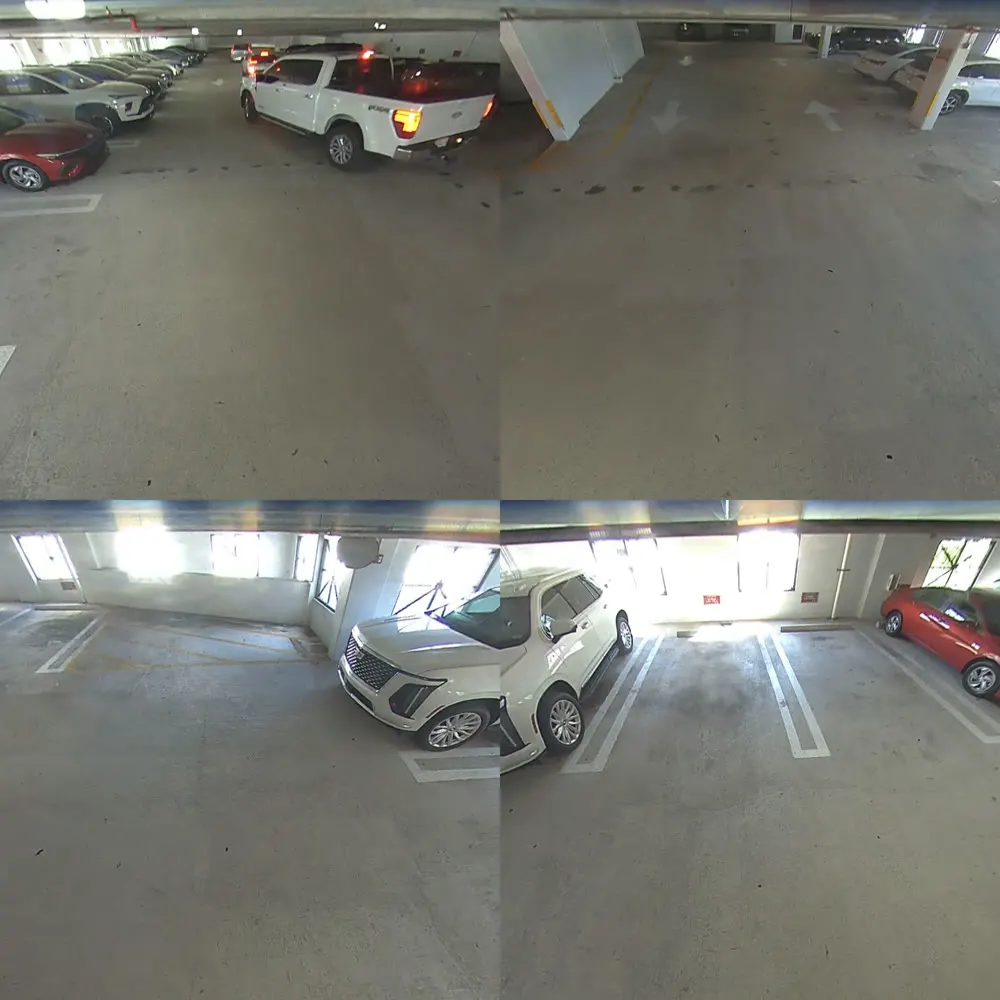
Open any camera live in your browser. A 360 camera opens as a panorama, two halves or four views.

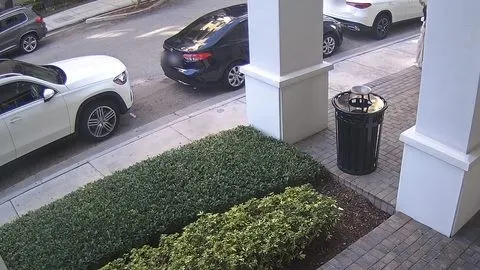
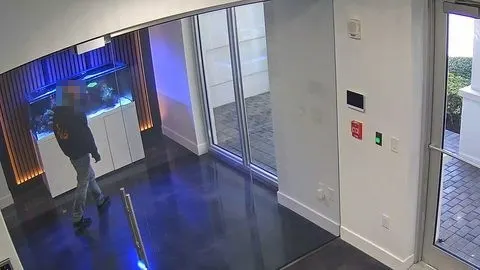
Four of our office's cameras live, side by side: a person walking into the lobby vestibule, the front lobby, a pickup driving into the garage, and the street outside with cars passing (faces, plates and signs pixelated)
Any camera live in the browser; walls of cameras in the Desktop Viewer
Parking 360
  1. Original
  2. Panorama
  3. Dual panorama
  4. Quad view

Vehicles and plates

It notices every car that comes and goes.

CamRA reads the plates of the cars at your gates and keeps each vehicle with its make, model and color, when it was last seen, and whether it is still on the property.

A walk through CamRA at our office: the Vehicles list (plates pixelated), a Volvo XC90 opened in Vehicle details with its make, model, color, 30-day chart and sightings, then the Vehicle traffic page with totals and detections per hour
Every car, when it came and went, and traffic by hour
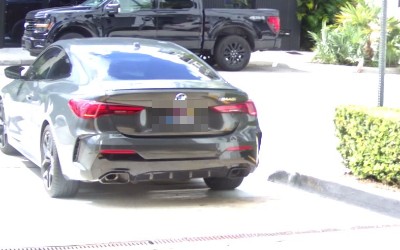
  • Our garage camera's best shot of a black BMW 4 Series (plate pixelated)BMW 4 SeriesBlackLast seen Oct 9, 2:30 PM · Garage Exit
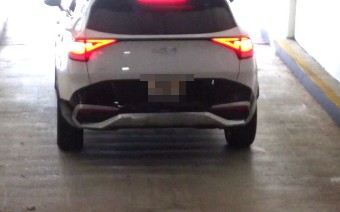
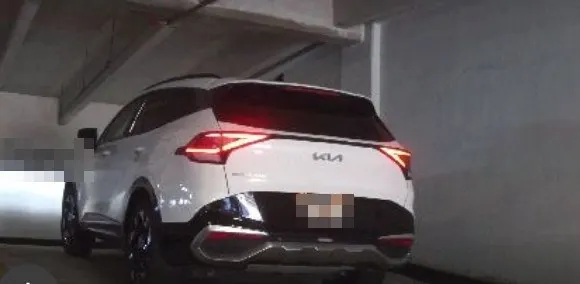
  • Our garage camera's best shot of a white Kia Sportage (plate pixelated)Kia SportageWhiteLast seen Oct 12, 4:37 PM · Garage Exit 2
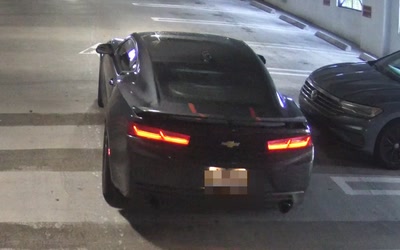
  • Our garage camera's best shot of a black Chevrolet Camaro (plate pixelated)Chevrolet CamaroBlackLast seen Oct 12, 8:00 AM · Garage Entrance 2
Detections per hourBusiest hour: 5 PM

Camera health

It even watches the cameras.

CamRA checks every recording for a dirty or blurry lens and tells you, keeps every camera on one list, and keeps recording when the building has a bad day.

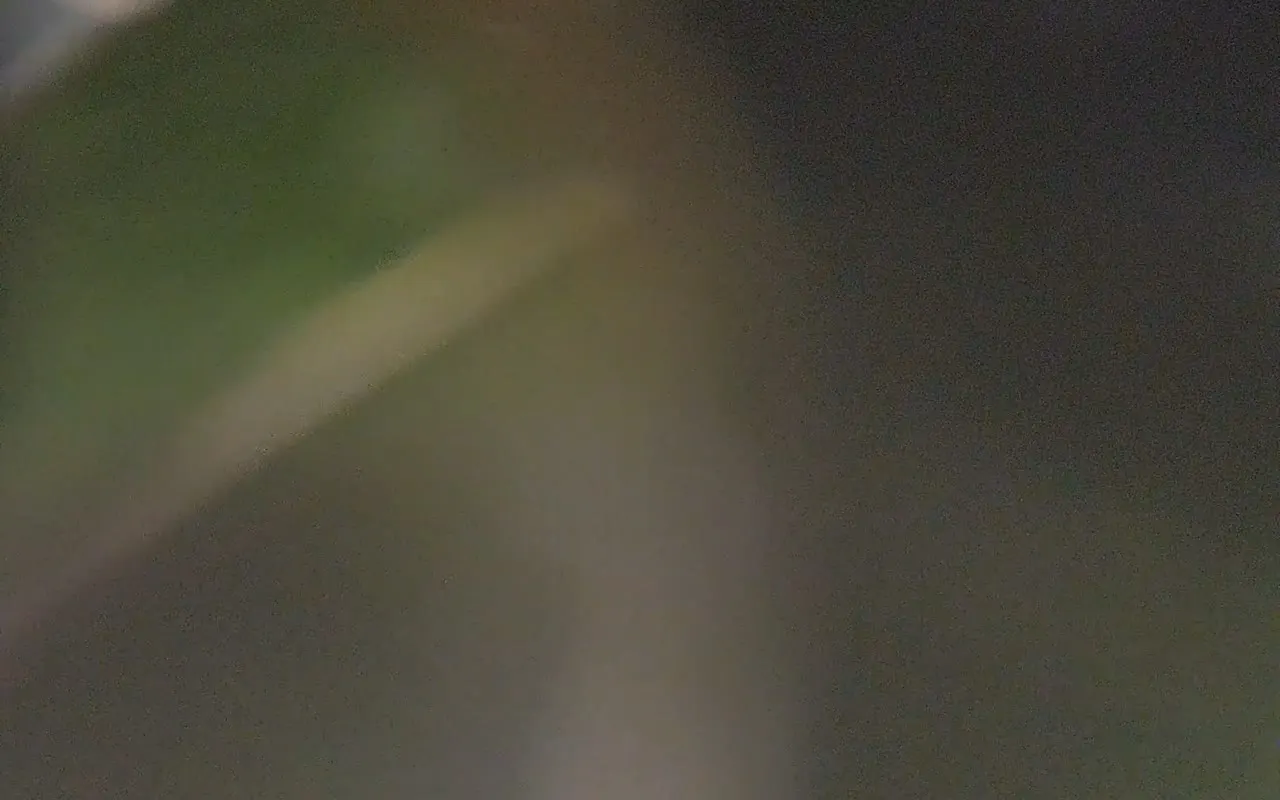
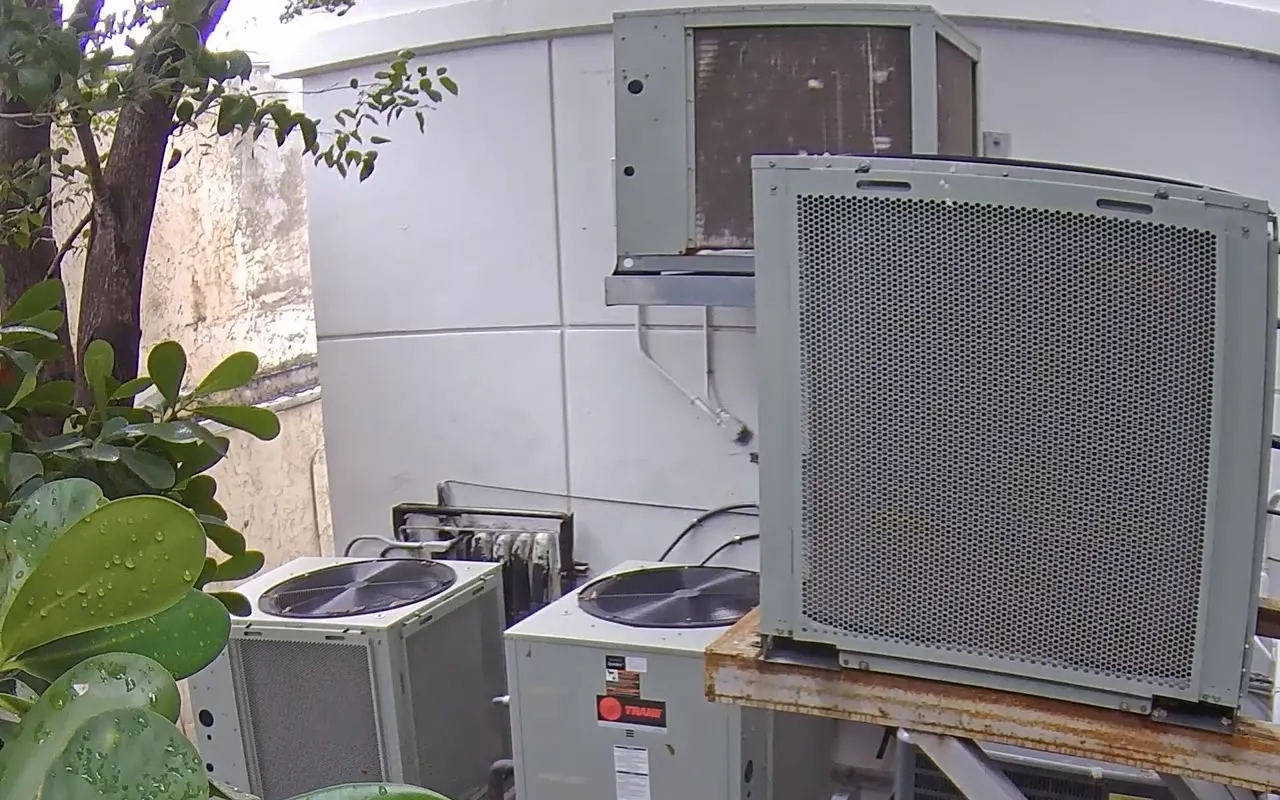
Lens checkA wet leaf on the lens, flagged, then clear
The camera's view with a wet leaf across the lens: a blurred green smearDirty lens
The same camera clear again: air conditioning units behind a building, a tree and leaves in frontClear again
In the alert historyThe same camera's next lens alert, flagged and cleared
CamRA's alert history: Oct 30, 2026 3:00:21 AM, Rear A/C, Dirty lens resolved; Oct 28, 2026 10:00:28 PM, Rear A/C, Dirty lens detected
Every camera on one listRecording, detection and lens for every camera
One row of CamRA's Cameras list: Closets 1, recording on motion, AI detect, captions and enhanced, status Live
Built to keep recordingWhat happens when something on site fails
  • A camera that goes quietAn on-site computer that stops checking in shows as offline, and an offline camera raises an alert.
  • Power cutsFootage already recorded survives power cuts, apart from the last few seconds, and recording goes on through dropped connections.
  • Another computer takes overIf a CamRA computer on site fails, its cameras move to another one.

Everything around it

Ready for the day something happens.

Hand the report to the police, get the alert, send the clip, keep private areas private.

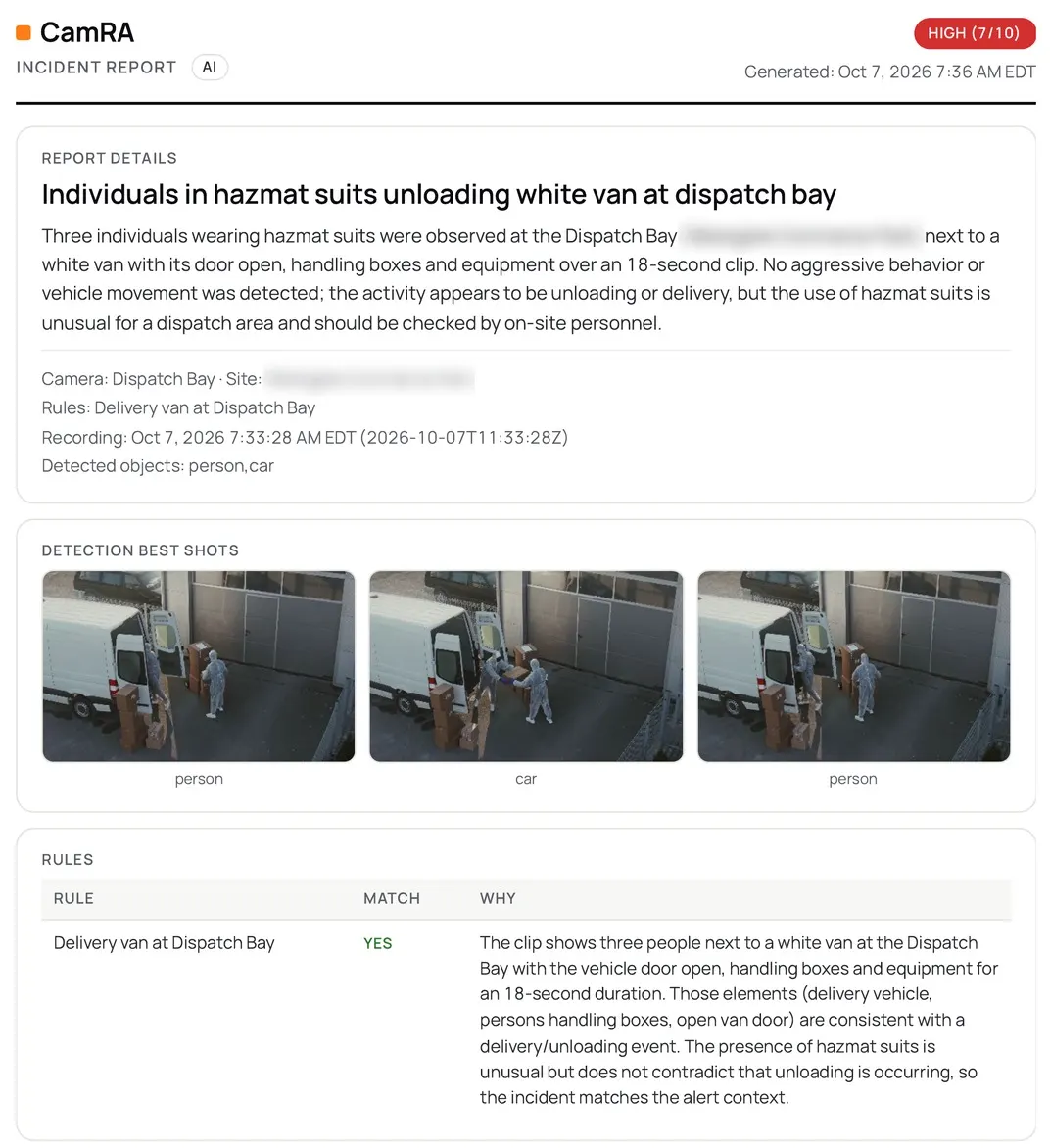
A report the police can useOne click saves the report as a PDF, with its pictures and times, for the police or your insurer.
The PDF CamRA exported for this report: CamRA AI Incident Report, HIGH (7/10), the title and summary CamRA wrote, the camera, site and recording time, three best shots of people in hazmat suits at a white van, and the alert rule it matched with CamRA's reasoning
Title
Individuals in hazmat suits loading white van at dispatch bay
Score
High 7 of 10
Camera and time
Dispatch Bay · Oct 7, 7:33 AM
The alert, within minutes of a matchThe people on the rule get it with the report that matched: in the app, by email and on iPhone (in testing).
  1. The rule

    When a vehicle stopped at the dock door on Loading Dock 1, between 10:00 PM and 6:00 AM

  2. In the app

    Event alert: Loading dock after hours

    Stationary vehicle observed at Loading Dock 1; no active movement

    Loading Dock 1 · Oct 6, 11:29 PM

  3. By email

    The same alert to the rule's 4 recipients, with the report that matched.

Send the clip, not a fileA link that opens the recording without an account and stops working by itself.
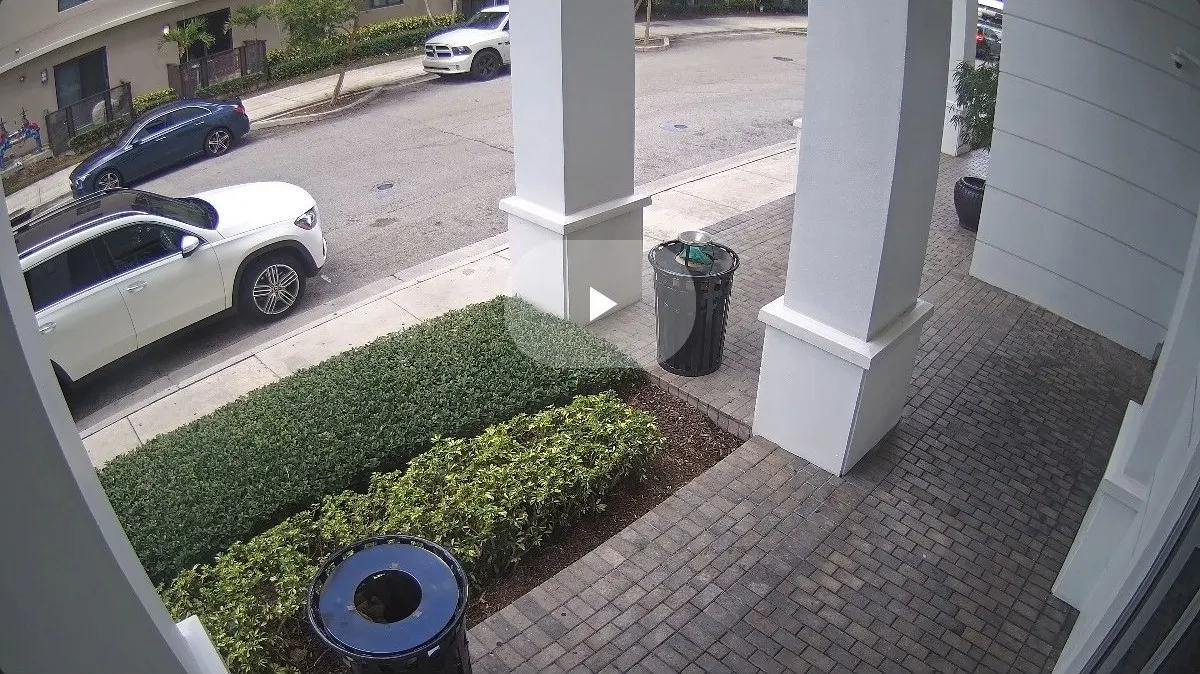
The recording a CamRA share link opens: our front entrance, Oct 4, no sign-in
Duration24 hours7 days14 days30 days
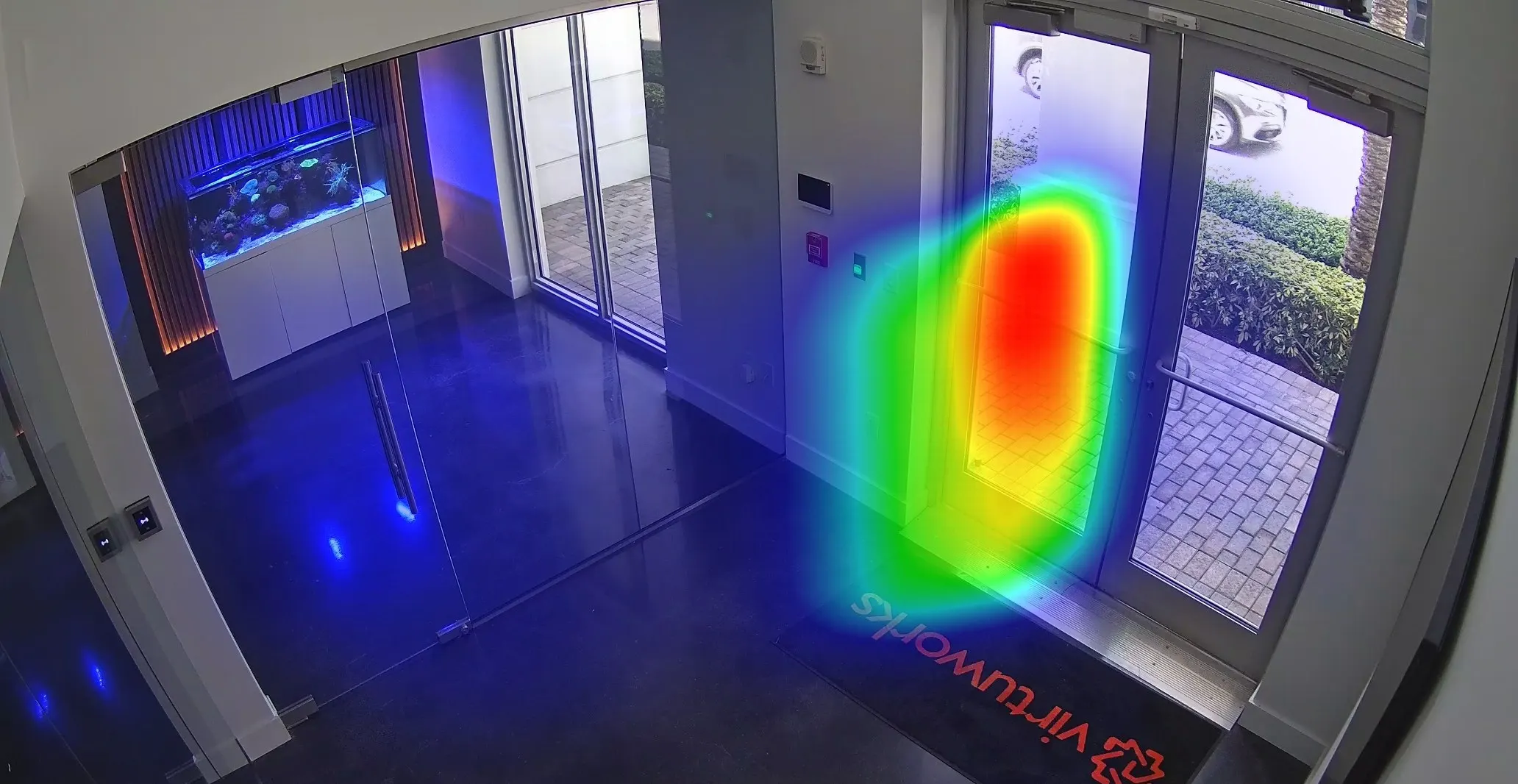
HeatmapsWhere people walk, over the camera's own picture.
CamRA's heatmap of people in our front lobby, Sep 27 to Oct 3: hottest at the entrance door

Red marks where people walk most

Privacy masksAreas you mask out are removed before recordings are stored.
An illustration of a privacy mask: our garage camera with one row of parked cars blacked out; the empty bays and the driving lane stay in view

Draw an area; it is removed before the recording is stored

How it works

Keep your cameras. Add the one thing they're missing.

See how it works
Front Door 2
Front Lobby
Garage Entrance
Garage Exit 2
The Garage Exit 2 recording of Sep 24, 2:42 PM in the CamRA player: a pickup and then an SUV drive up the ramp, each boxed as a car with its license plate boxed (plates pixelated)

Garage Exit 2 · Sep 24, 2:42 PM

Routine vehicle exit with license plates captured

2/10Low

Keep your cameras

CamRA works with the IP cameras already on your walls, recorded by a small piece of software on a PC or server at your site.

CamRA watches every recording

On your premises, it looks through each recording for people and vehicles.

Your report, alerts and answers

On the cameras you turn reports on for, a short report with a 0 to 10 score is waiting within minutes. An alert goes out when a rule matches, and you can ask about it.

Privacy

Video is analyzed on your premises. Only text reaches our AI.

How we handle your footage

Your premises and your private storage

Garage Exit 2

Your PC or server

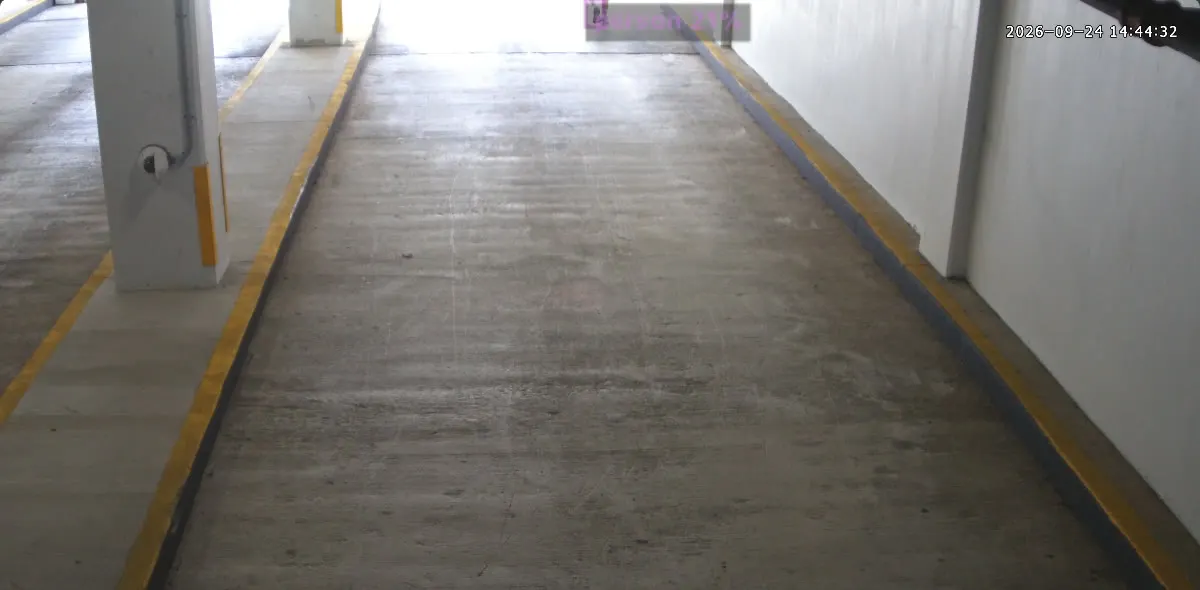
Our Garage Exit 2 recording of Sep 24, 2:44 PM in the CamRA player: a person walks up the ramp, boxed as a person; an area of the wall is masked out

Your storage, in Azure

Our AI

Person running through Garage Exit 2. A single person was detected running through Garage Exit 2 over a ~17 second clip (15 detection frames). Movement was continuous and fast; no other objects (vehicles, groups, or weapons) or signs of forced entry were detected. Recommend reviewing adjacent cameras and access logs for identification and context.

  • Video is analyzed on your own PC or server. Areas you mask out are removed before recordings are stored.
  • Recordings go to a storage account dedicated to your organization.
  • The AI that writes your reports gets text, never pictures.

Compared

A recorder records.
CamRA watches.

Find out what happened at Loading Dock 1 last night

A recorder

A timeline to scrub, 20:00 to 06:00, until something moves.

CamRA

What happened at Loading Dock 1 last night? Show me the clip.

10 clips total. Most activity clustered around 6:13–6:27 PM with additional short events at 11:28–11:29 PM.

FAQ

Questions, answered.

  • No. CamRA works with the IP cameras already on your walls. You install the software on a Windows PC or server at your site, and it records the cameras you have.

  • In a storage account dedicated to your organization, in CamRA's Azure subscription (East US). Video is analyzed on your premises first, and areas you mask out are removed before recordings are stored.

  • Within minutes of the event, on cameras with AI reports on. Each report has a title, a short summary and a 0–10 score, with its key still images.

  • Yes. Roles run from Viewer to Admin, and permissions go down to a single camera. The chat follows the same permissions, so each person's answers come only from their cameras.

  • You pay for what you use: the footage CamRA keeps and plays back, the detections it keeps, plate reads and AI use. Alert rules on their own cost nothing. AI is charged only on the cameras where you turn AI reports on. There is no per-camera license and no seat count. Book a demo for a quote for your sites.

  • Yes, when a camera reports every recording: then a quiet recording gets a report too, scored 0, so you know the night was quiet. Otherwise reports are written only when an alert rule matches.

  • Yes. The CamRA app for iPhone, in testing, gives you every camera live, 360 views included, your alerts as notifications with their clips, and the doors you may open. Other recordings open in the CamRA web app, and alerts also arrive there and by email.

Your cameras, finally watched.

Let CamRA watch every recording from the cameras you already own and tell you what matters.