


Flagged.
At 11:00 PM a recording from Dispatch came through dirty, and the alert went out.

CamRA checks every recording for a dirty or blurry lens and every camera for a pulse. When something is off, it tells you, usually within minutes.
A camera can go wrong for weeks before anyone notices. CamRA looks at every recording anyway, so it notices when the picture goes wrong. And when a camera reports its own trouble, like being covered or moved, a lost video signal or a failed SD card, CamRA tells you that too.
…though significant focus blur in the footage may reduce ability to read fine details (license plates, small actions).CamRA's report · Street Corner · Low 2
A real camera over thirty days. Twice its lens got dirty, CamRA flagged it, and the alert cleared once the picture was clean again. Each flag notified someone.
Dirty lens detected Nov 9, 11:00 PMDirty lens resolved Nov 10, 6:00 PM19 hours
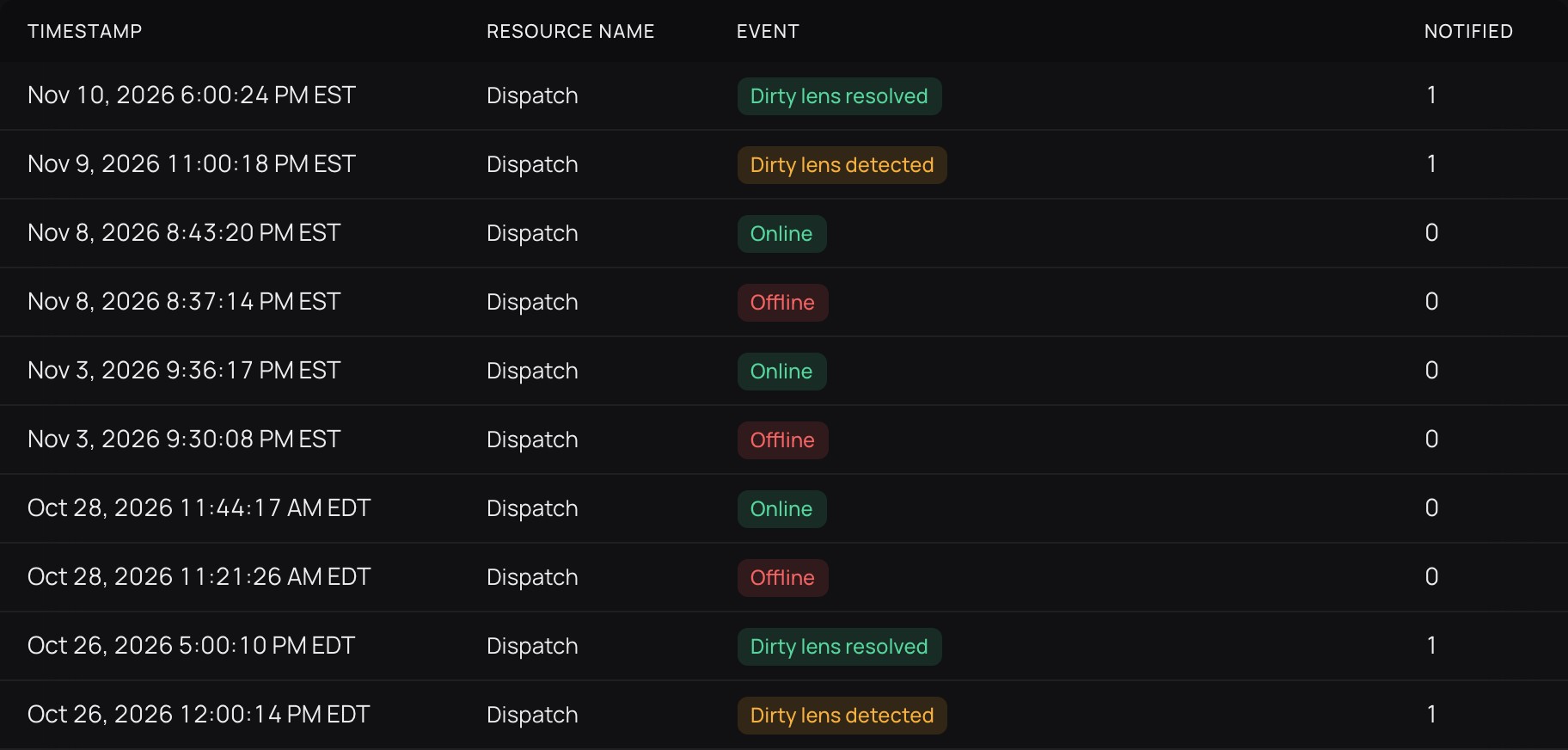
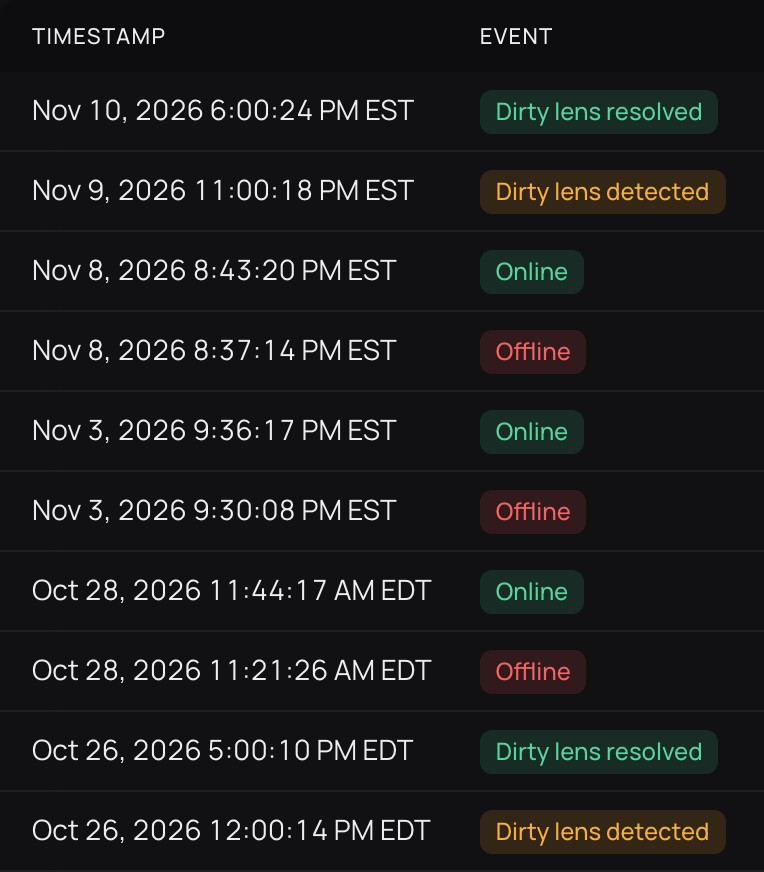
Dispatch in CamRA's alert history, Oct 26 to Nov 10.
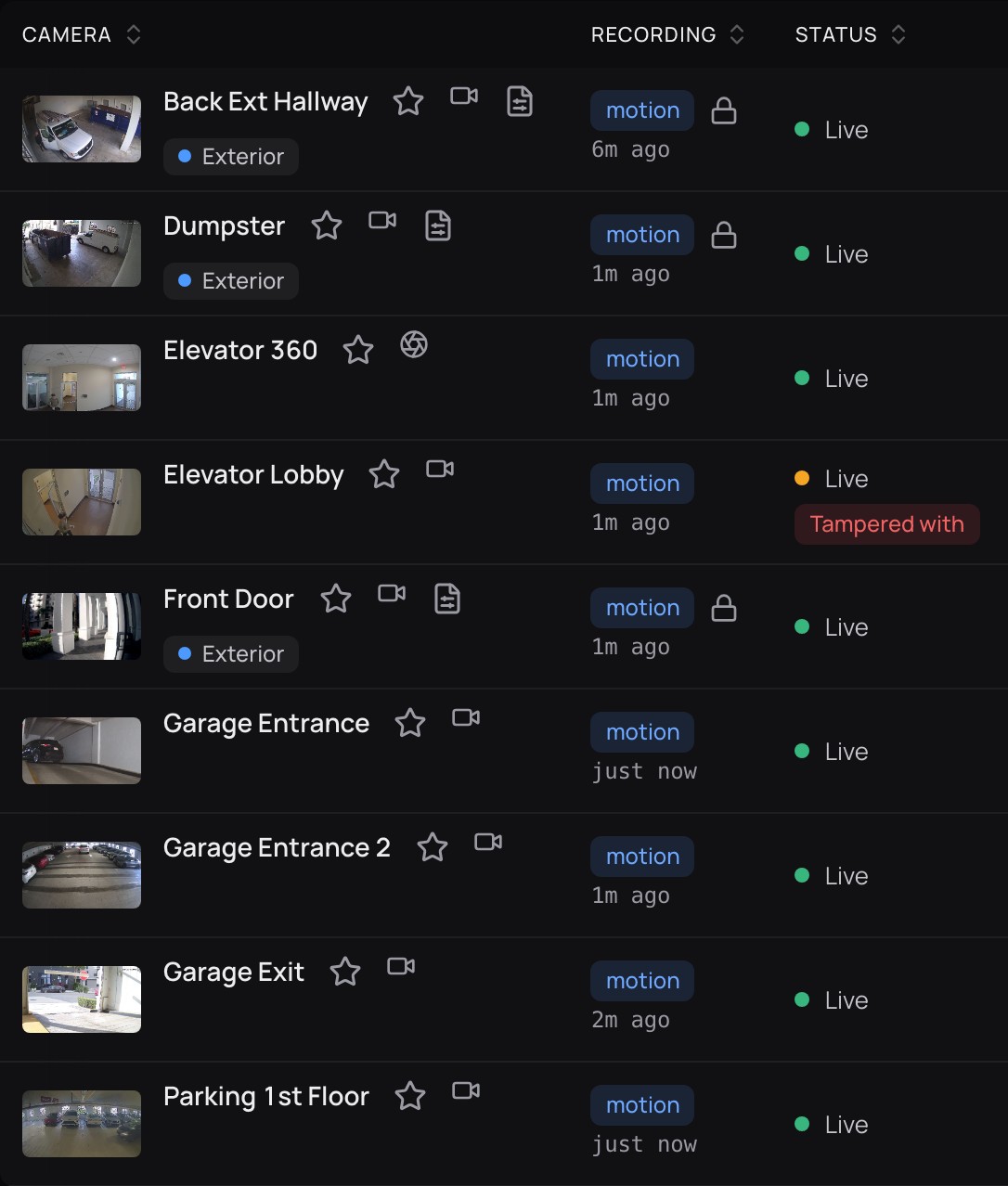
Camera health in an office building, camera by camera.
At 11:00 PM a recording from Dispatch came through dirty, and the alert went out.
Nineteen hours later the picture was clean again, and the alert resolved without anyone closing it.

Every flag and every clear stays in the alert history, with how many people were notified and its status. Here, a blur alert on Customer Lounge, resolved.

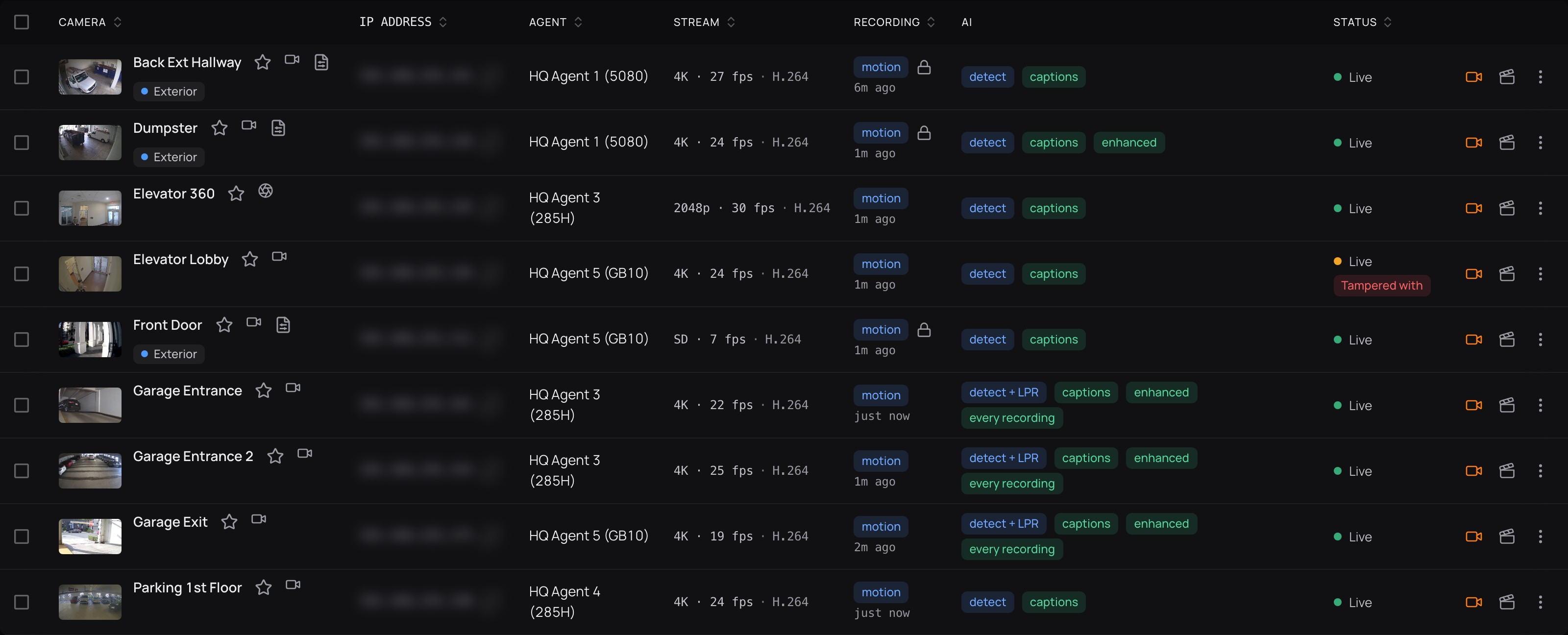
The Cameras list shows each camera's status, the PC that records it, how it records, when its last recording came in and whether it is live.
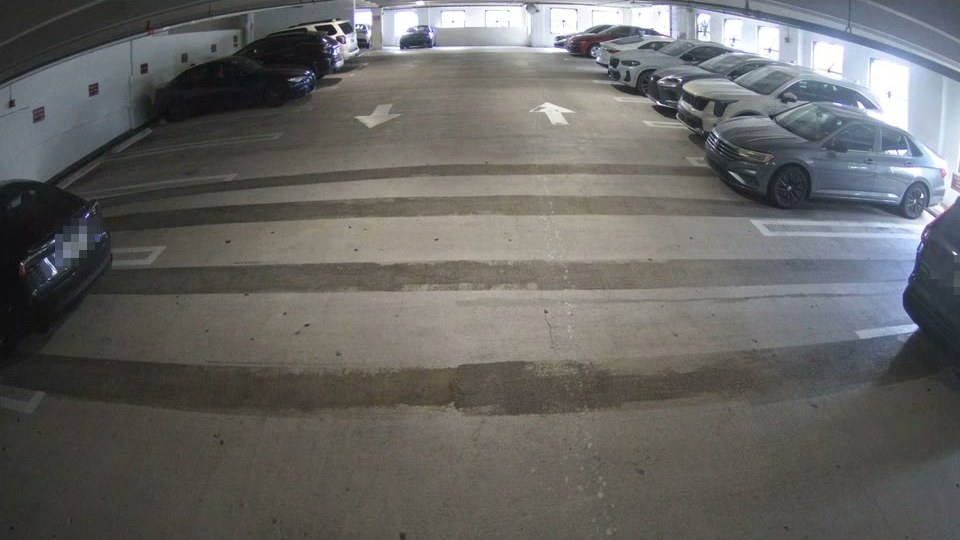
Each report says what CamRA saw and, when it matters, how well it could see it. A little dirt that didn't get in the way, the same dirt still there half an hour later, a clear lens on a quiet evening.
Camera lens shows minor dirt but image quality remained sufficient for detection.
Lens assessment notes minor dirt on the lens but image focus is acceptable — recommend manual review of vehicle-captioned frames if needed.
Scene metrics indicate minimal motion and clear lens quality, suggesting routine parked vehicle activity.
…there are no detected pedestrians, collisions, or suspicious behaviors and no lens quality issues noted.
More from the logistics site.
CamRA runs on a computer at your site. If you run two and one of them stops answering, its cameras move to the other after five minutes, and you hear about the one that went quiet. CamRA watches the computers too: a disk filling up, recordings waiting to upload, a PC with more cameras than it can handle. You choose for each camera whether it records on motion or all the time, and footage is kept for 90 days unless you choose longer.
Each dot is a camera. When computer 1 stops answering, its three move to computer 2 after five minutes.

Reports, alerts and answers are only as good as the picture behind them.
A clear lens gives CamRA a clear picture, and its reports say when it didn't have one.
Lens and camera alerts arrive the same way as your own rules: in the app, and by email and on iPhone (the CamRA app is in testing), as chosen for each person.

Open any camera live to check the picture yourself after a cleaning.
Book a demo and we'll show you the health of every camera on a real site.


