
Plates read at the gate. And who is still parked.
CamRA reads the plates at your gates as cars come and go, so you know which cars are on the property and which have left. It watches the levels and ramps too, and keeps track of your spaces, guest passes and warnings.


One day at the garage gates. Every car in and out, noticed.
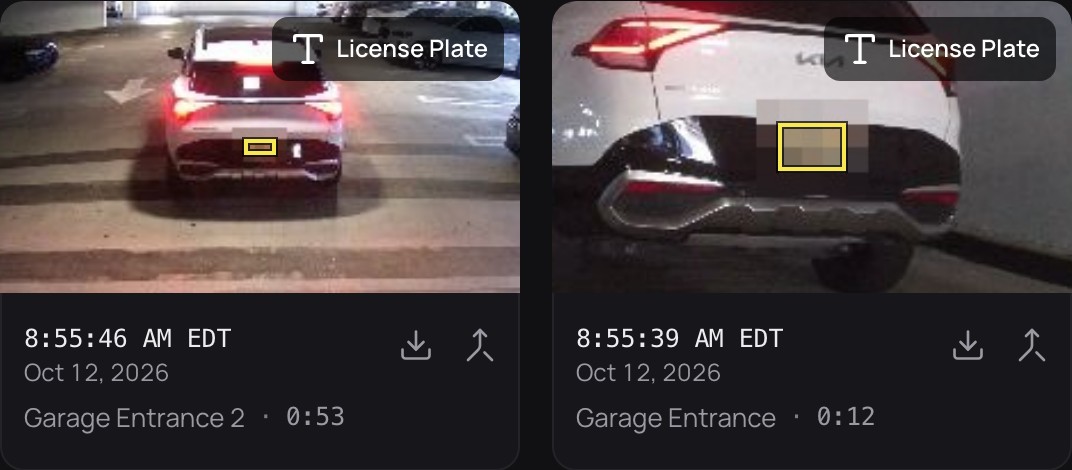
The plate cameras at the gates see cars from early morning to late evening; on Oct 6 the busiest hour was 5 PM. Each read adds a sighting to that car: the camera, the time and, when the camera caught one, a picture. The Vehicles list then shows who is on the property and who has left.
How plates become a list of vehicles→Oct 6Vehicle detections per hour
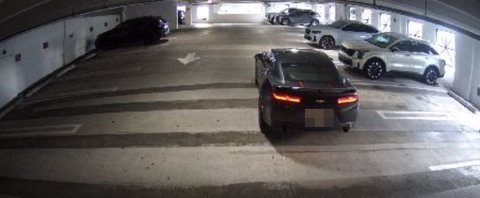
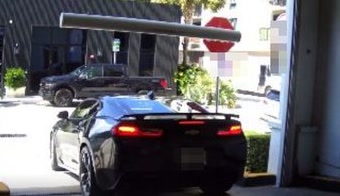
- 8:12 AMInBlack Chevrolet CamaroGarage Entrance 2
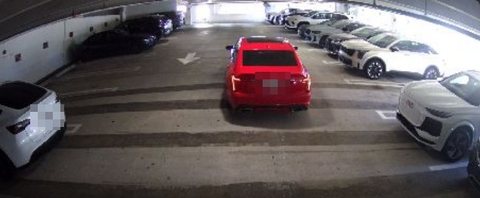
- 10:14 AMInRed Cadillac CT5Garage Entrance 2
- 6:15 PMOutTesla Model 3Garage Exit 2
- 7:23 PMOutRed Cadillac CT5Garage Exit 2


Watch the level yourself. One panorama, in your browser.
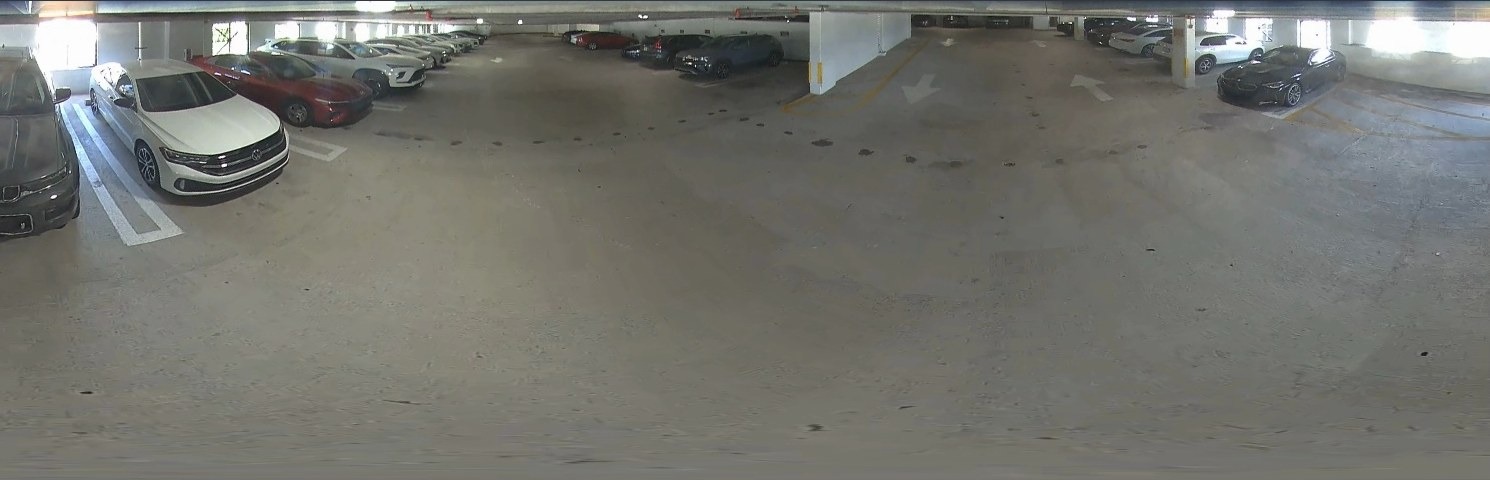
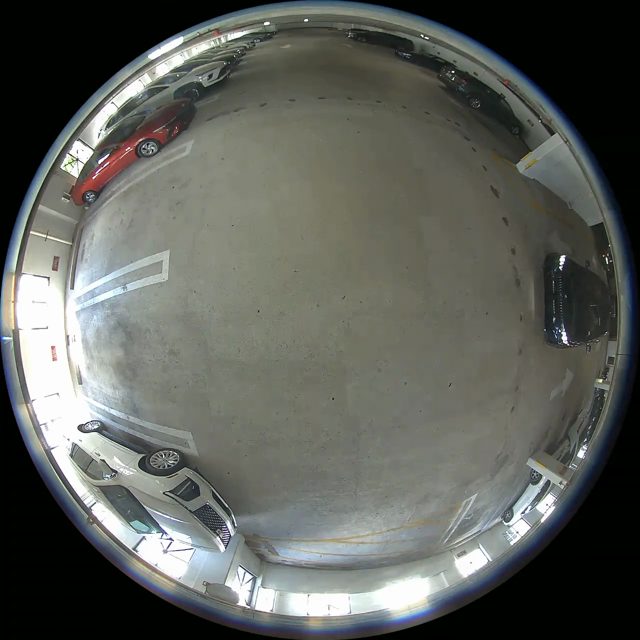
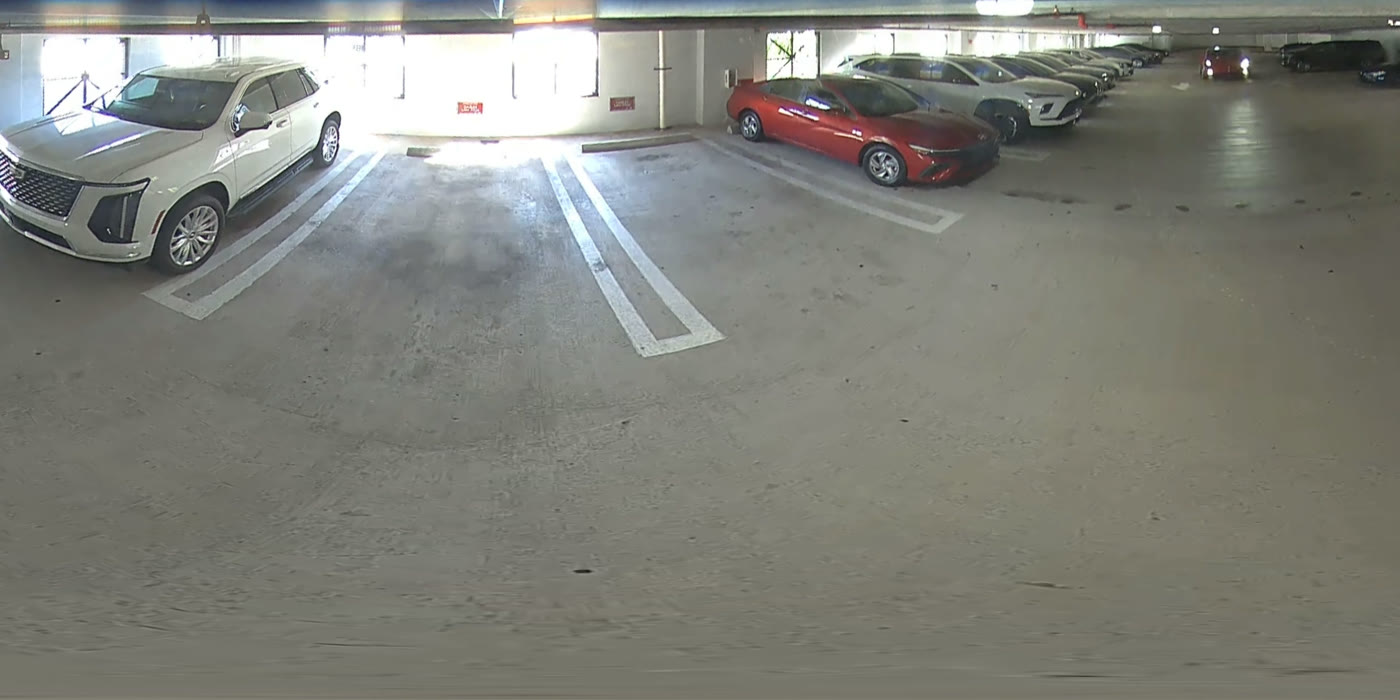
Parking 360 hangs in the middle of the garage level and sees all of it as one round picture. CamRA opens that picture in the browser as a panorama, a dual panorama, four views at once, or one view you can steer. The same views work when you play back a recording, with the boxes on what CamRA found.

Every ramp recording gets a score. Open only the ones that matter.
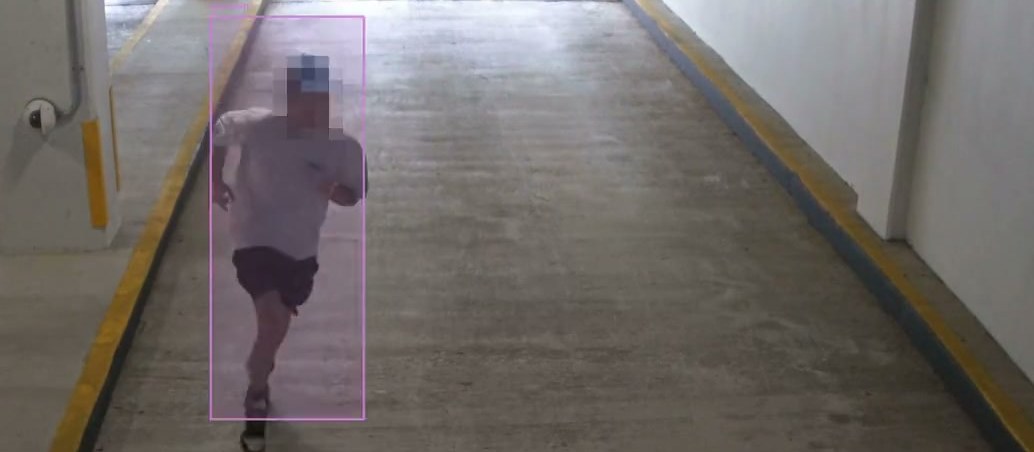
With AI reports on for every recording, each one from Garage Exit 2 gets a title and a score from 0 to 10, even when nothing happened. On Sep 24 CamRA wrote “No activity detected at Garage Exit 2” and scored it 0. Eleven minutes later, “Routine vehicle exit with license plates captured”, Low 2. The day before, “Single person running through Garage Exit 2”, Medium 5. The highest was High 7: “Vehicle transit with pedestrian in garage hallway”. Filter by severity and the morning check is short.
- 7/10Vehicle transit with pedestrian in garage hallway
- 5/10Single person running through Garage Exit 2
- 2/10Routine vehicle exit with license plates captured
- 0/10No activity detected at Garage Exit 2
Spaces, guests and warnings. Run the lot from the same app.
Set up your lots and spaces, and who owns or rents each one. Guests get a pass from the QR code at the lot, or from a link the resident they're visiting sends. A guard checks a plate on their phone and sees whether the car may park there. If not, they take a photo, and CamRA reads the plate, counts the warning and tells the owner when it knows who that is. Warnings add up to your tow limit, and towing stays your call. When a driver finds their space taken, CamRA offers the nearest free ones.
Set up the garage once. CamRA does the watching.
Gates
Turn plate reading on for the cameras at your entrances and exits, then draw a line across each lane and mark it as your site entrance, so CamRA knows which way each car went. Each car whose plate it reads becomes a vehicle with its make, model, color and sightings.
Level
Hang one 360 camera on the ceiling. CamRA spots that it is a fisheye and finds the lens circle by itself. Then open it as Panorama, Dual panorama, Quad view or Single view.
Ramp and stairs
Turn on AI reports, and recordings get a report and a score: every one, or only those a rule matches. Add a rule, say what to watch for in your own words, and the people on it hear within minutes: in the app, by email and on iPhone (the CamRA app is in testing).
How a rule is set up→
Four gate cameras. One camera on the ceiling.
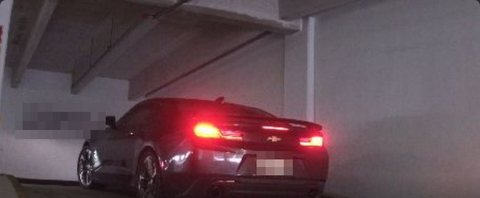
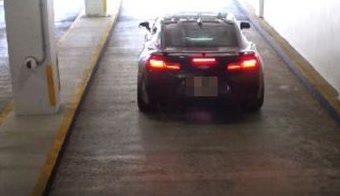
Our own garage. The way in: Garage Entrance and Garage Entrance 2. The way out: Garage Exit and Garage Exit 2. All four read plates, and Garage Exit 2 also gets a report on every recording. The level: Parking 360, opened as Panorama or Quad view.
The way inIn
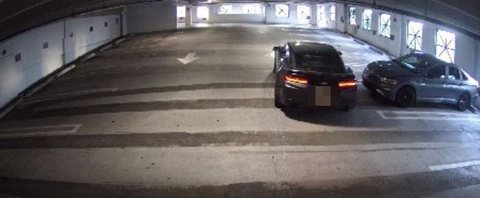

The level

The way outOut


The rest of CamRA, in the same garage.


Questions, answered.
Which cameras read plates?
The ones you turn plate reading on for. In the Cameras list their AI column reads "detect + LPR". Point them at your entrances and exits, where cars pass slowly and close.
How do I see who has left?
The Vehicles list shows each vehicle's latest detection, with the camera and time, and its presence: on the property, or left and how long ago.
Can I see when parking is busiest?
Yes. Vehicle traffic marks your busiest hour and shows each hour's entries and exits, for any range up to 30 days.
How are 360° cameras set up?
CamRA spots a fisheye picture and offers to set it up, then finds the lens circle automatically. If you want to adjust it, Calibrate lens opens the manual setup. Then choose Panorama, Dual panorama, Quad view or Single view.
Can I keep an eye on one particular car?
Yes. Its page shows every sighting with the camera, the time and a picture, and whether it came in or went out. Follow it, and you're told when someone on your team comments on it.
How long is footage kept?
90 days by default, set once for your organization and changed per camera if you need longer. Reports are kept as long as their recording.
Every car. Every hour, noticed.
Book a demo and we'll open a day of our own garage with you, from the first car in to the last one out, then map your gates and levels.