
7/10
High
The Dispatch Bay recording, Oct 7, 7:33 AM
Objects
Matched the ruleDelivery van at Dispatch Bay
CameraDispatch BayOct 7, 7:33 AM
CamRA watches every recording from the cameras you already own. Turn reports on for a camera, and usually within minutes CamRA writes a short report on each of its recordings, or only on those an alert rule matches: what happened, on which camera, when, and a score from 0 to 10. Routine scores low and stays quiet. Anything worth a look scores higher, so you know where to start without watching hours of footage.
7/10
Cameras record everything, and almost all of it is people doing their jobs. Nobody has the hours to check. CamRA does. On one logistics site it watched 75 recordings between 4 PM and 7:33 the next morning. It called 67 of them routine, 7 worth a look and 1 High. You start with that one, not with fifteen hours of footage.
The cameras you already own record on motion or all the time, as you choose per camera. Each recording becomes one clip.
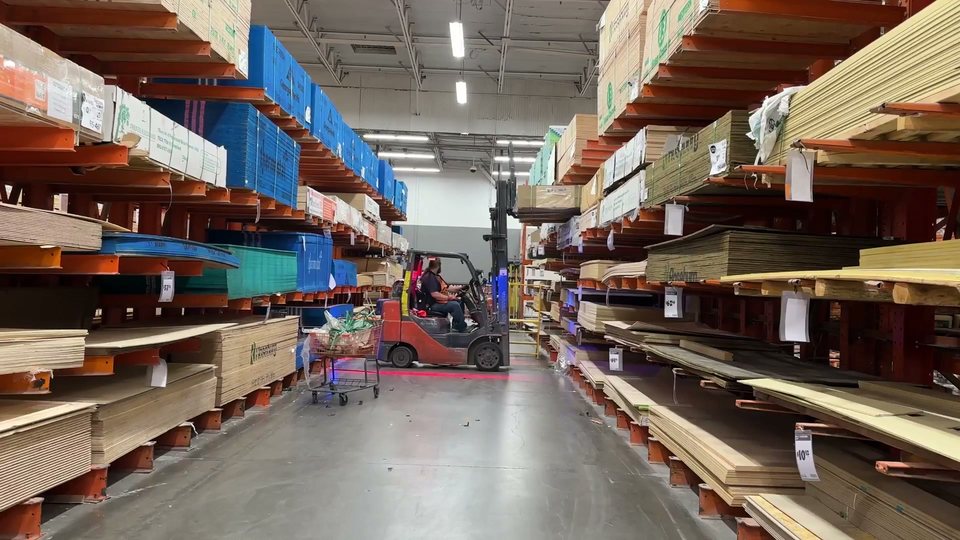
Several times a second, on your premises, it finds the people and vehicles in the clip and follows how they move. In Warehouse Aisle 3 it found the forklift's driver.
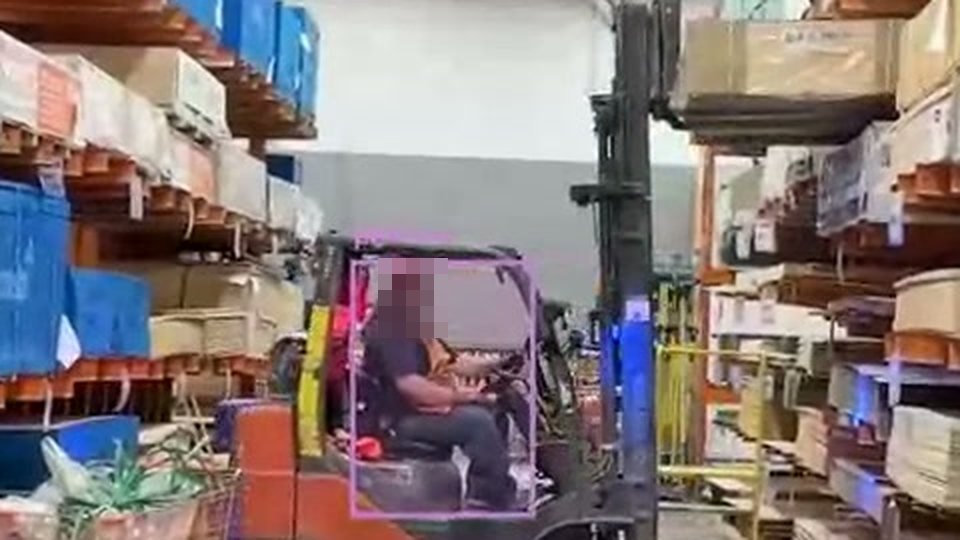
From a text description alone, CamRA writes a title and a short summary.
Routine forklift activity with personnel in Aisle 3
The 33-second clip shows routine warehouse activity in Aisle 3: a forklift is moving down the aisle while several workers are present near stacks of lumber.
0 means nothing happened, 10 means urgent. This one is a Low 3, and it is waiting on the Incidents page, usually within minutes.
Low3/10
Every report comes with its recording. The boxes show what CamRA found; the text says what it made of it. The score tells you in a second whether to keep going. You also get the camera, the time and the objects it saw, with the other cameras that saw the same minutes, ready to play together. Tell CamRA with the thumbs whether it got it right. If a coffee maker keeps being read as a person, CamRA asks once and remembers.
Export any report as a one-page PDF for the police, an insurer or a manager. It carries the score, the title and summary, the camera and time, a best shot of each person and vehicle CamRA found, and any alert rule the report matched, with CamRA's reason. Need them to see the video? Send a link to the whole incident, with every recording in it, or to one recording. It opens without an account and expires after 24 hours, 7, 14 or 30 days, or sooner if you revoke it.
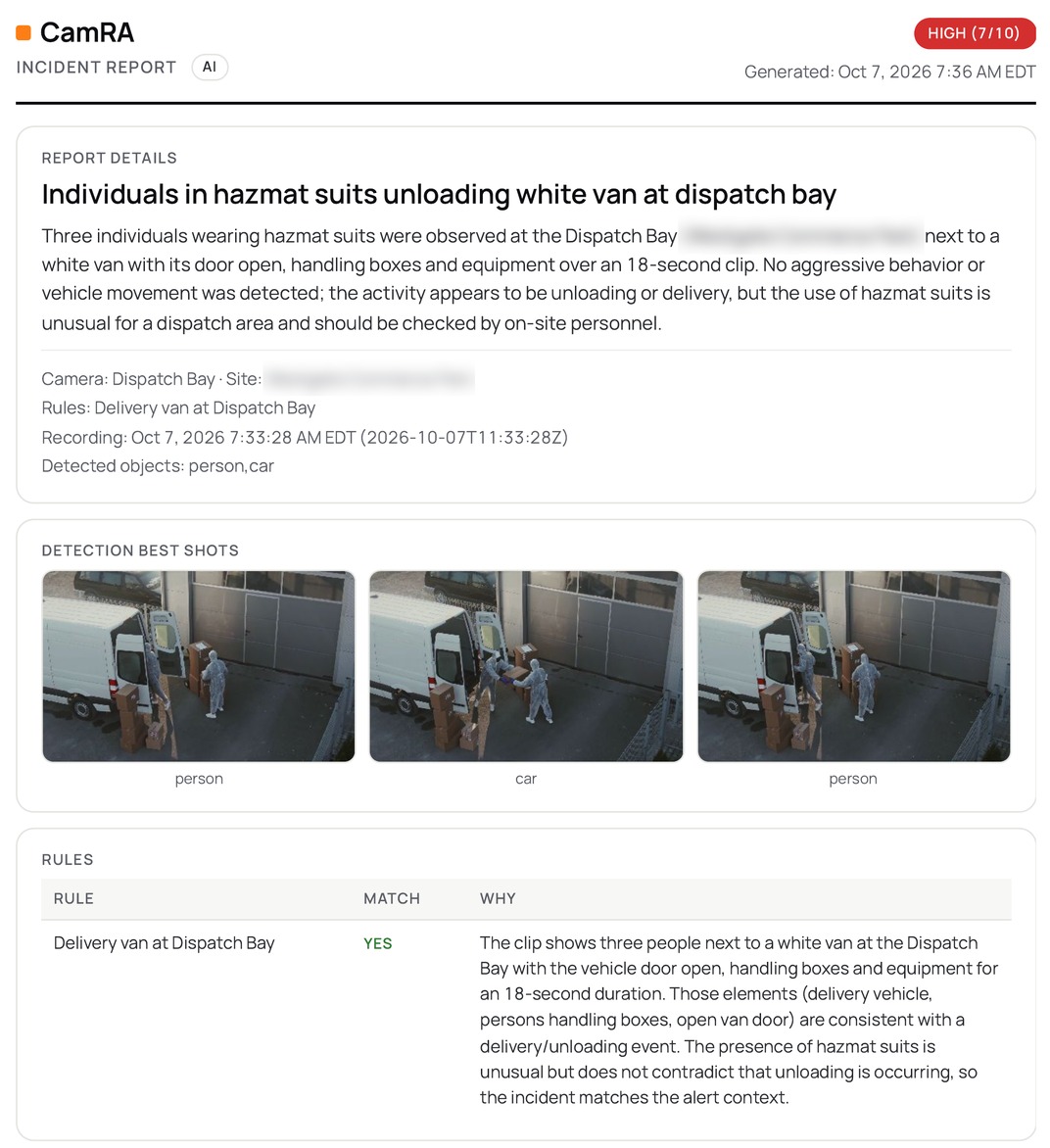
The Dispatch Bay report as a PDF.
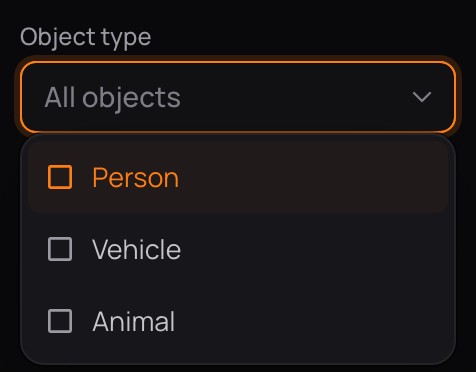
Reports land on the Incidents page, each with its picture, score, time, camera and title. The hour strip shows when the day got busy. Narrow the list by date, severity, camera or area, or by what was in it: people, vehicles, animals. Show only the reports you haven't opened yet, or only the ones that matched an alert rule. You choose how each camera records, on motion or all the time, and which cameras get a report for every recording.
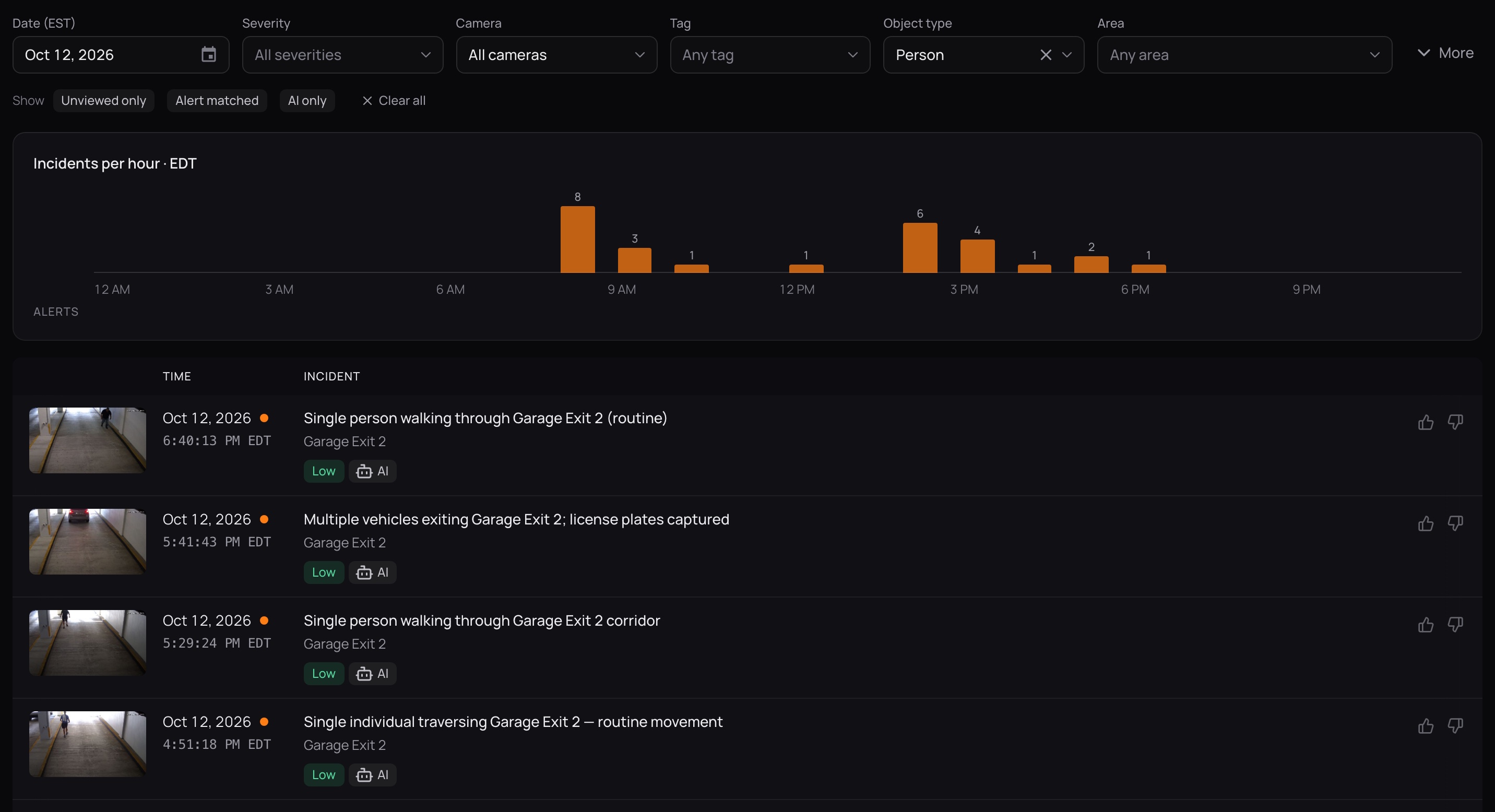
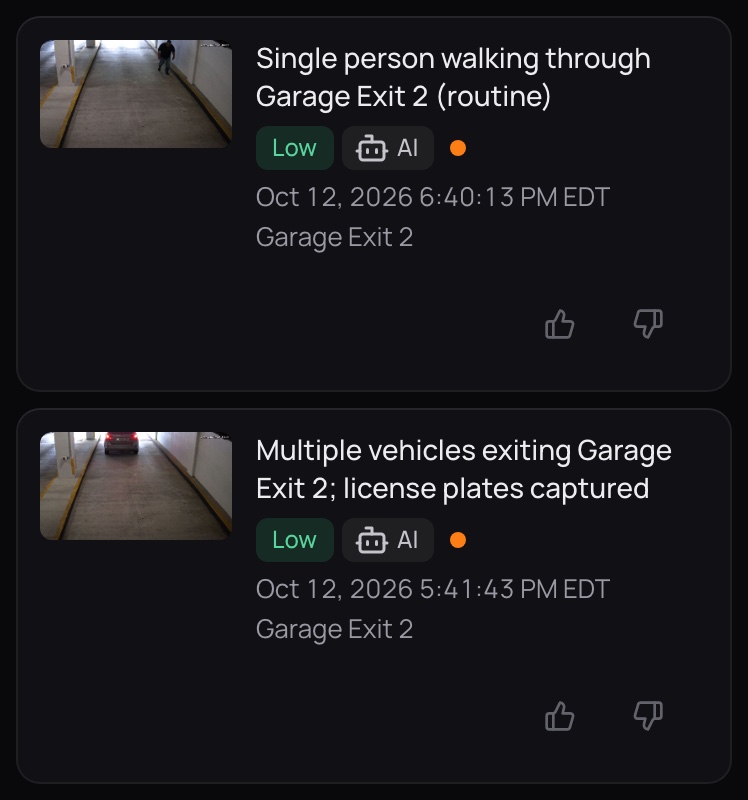
Real reports from a logistics site we run on public footage, and from our own office garage. A Low still tells you what was there; a Medium says what to check next.
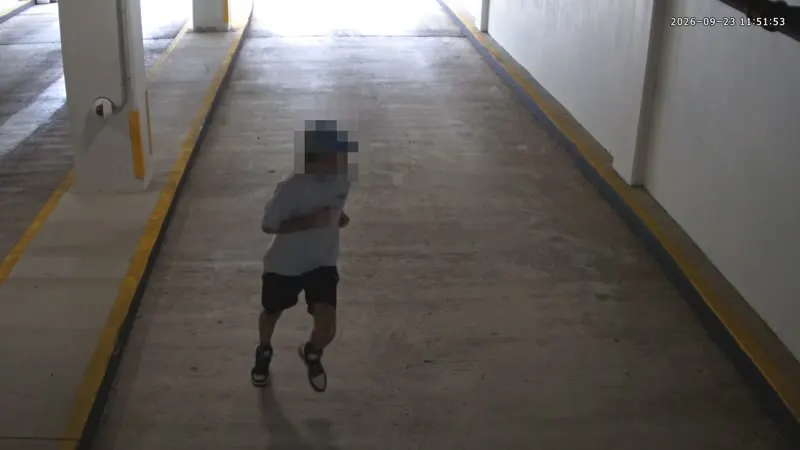
A single person was detected running through Garage Exit 2 over a ~17 second clip (15 detection frames). Movement was continuous and fast; no other objects (vehicles, groups, or weapons) or signs of forced entry were detected. Recommend reviewing adjacent cameras and access logs for identification and context.
Garage Exit 2 · Sep 24, 2:44 PM
Multiple people and parked vehicles were observed in Parking Aisle B during the 16-second clip. A silver SUV with its door open and two nearby individuals appear in several frames; one frame suggests possible contact near a handbag/purse, but there is no clear evidence of theft or violence.
Parking Aisle B · Oct 6, 6:41 PM
A report can even tell you the lens needs a wipe.See how CamRA watches the camerasHow offices use AI Incidents
 Ask about a camera and CamRA answers from the same reports, with the clip.
 Reports at your gates sit beside the plates CamRA reads there.
Book a demo and we'll go through a real day of reports with you.


