Ask the cameras. Get the moment back.
Ask in plain words, the way you'd ask a colleague. CamRA answers from everything it watched: what happened, the numbers, and the clip to play.

- Camera
- Garage Exit 2
- Time
- 11:51 AM
- Duration
- 12 seconds
- Detections
- 1 person
The answer is in there somewhere. Now you can just ask.
One camera at one dock recorded twelve times in a single evening. Each recording has its report, and finding the right one still means opening them in turn. Ask “What happened at Loading Dock 1 last night? Show me the clip.” and CamRA goes through all of them for you.
It comes back with how many clips there were, when the activity clustered, and the one recording worth playing.
Loading Dock 1 · 12 reports in one evening
“What happened at Loading Dock 1 last night? Show me the clip.”
Summary: 10 clips total. Most activity clustered around 6:13–6:27 PM with additional short events at 11:28–11:29 PM.
- Most relevant clip
- 6:21 PM
- Duration
- 126 seconds
- Detections
- Vehicle (3), Person (1)
Ask in plain words, and you never pick a filter.
What happened at Loading Dock 1 last night? Show me the clip.
You ask in your own words.
No camera list to scroll, no date picker, no time to remember. “Last night” and “today” work.
CamRA looks through what it already knows.
Every recording has its detections and captions, and a report where reports are on, so CamRA searches what was seen, not hours of video. That is why an answer takes seconds, not an evening of scrubbing.
- Summary
- 10 clips total.
- Most relevant clip
- 6:21 PM
- Duration
- 126 seconds
- Detections
- Vehicle (3), Person (1)
It answers with the moment.
A short answer, the numbers when you asked for numbers, and a picture of the recording that opens it in the player.
Nothing to set up. Open the chat and ask.
AI Chat sits beside whatever you are looking at in CamRA. Ask, and the answer comes back in the same place: the recording it found, the camera, the time, how long it ran and what was in it. There are no settings to learn: every camera CamRA watches is a camera you can ask about.
- The recording opens in the player from the answer
- Camera, time, length and what it saw
- The chat keeps your questions for 7 days after you last use it
- Ask it to resolve alerts or set up an alert rule, and nothing changes until you approve
 CamRA Assistant
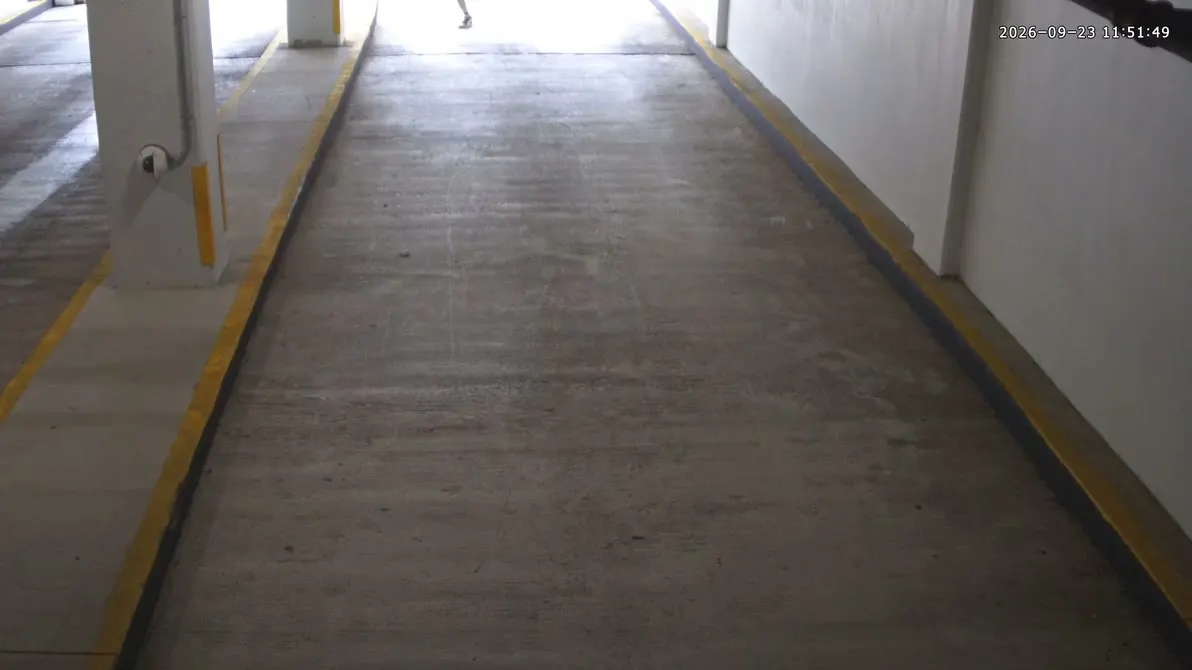
Someone ran through the garage exit today. Can you show me the video?
Camera: Garage Exit 2
Time: 11:51 AM
Duration: 12 seconds
Detections: 1 person
Which camera was busiest today?
Busiest camera: Retail Atrium
Total detections: 354
People: 353
Vehicles: 1
Other high-activity cameras:
Street Corner — Total 305 (Vehicles 205 / People 100)
Main Lot — Total 221 (Vehicles 195 / People 26)
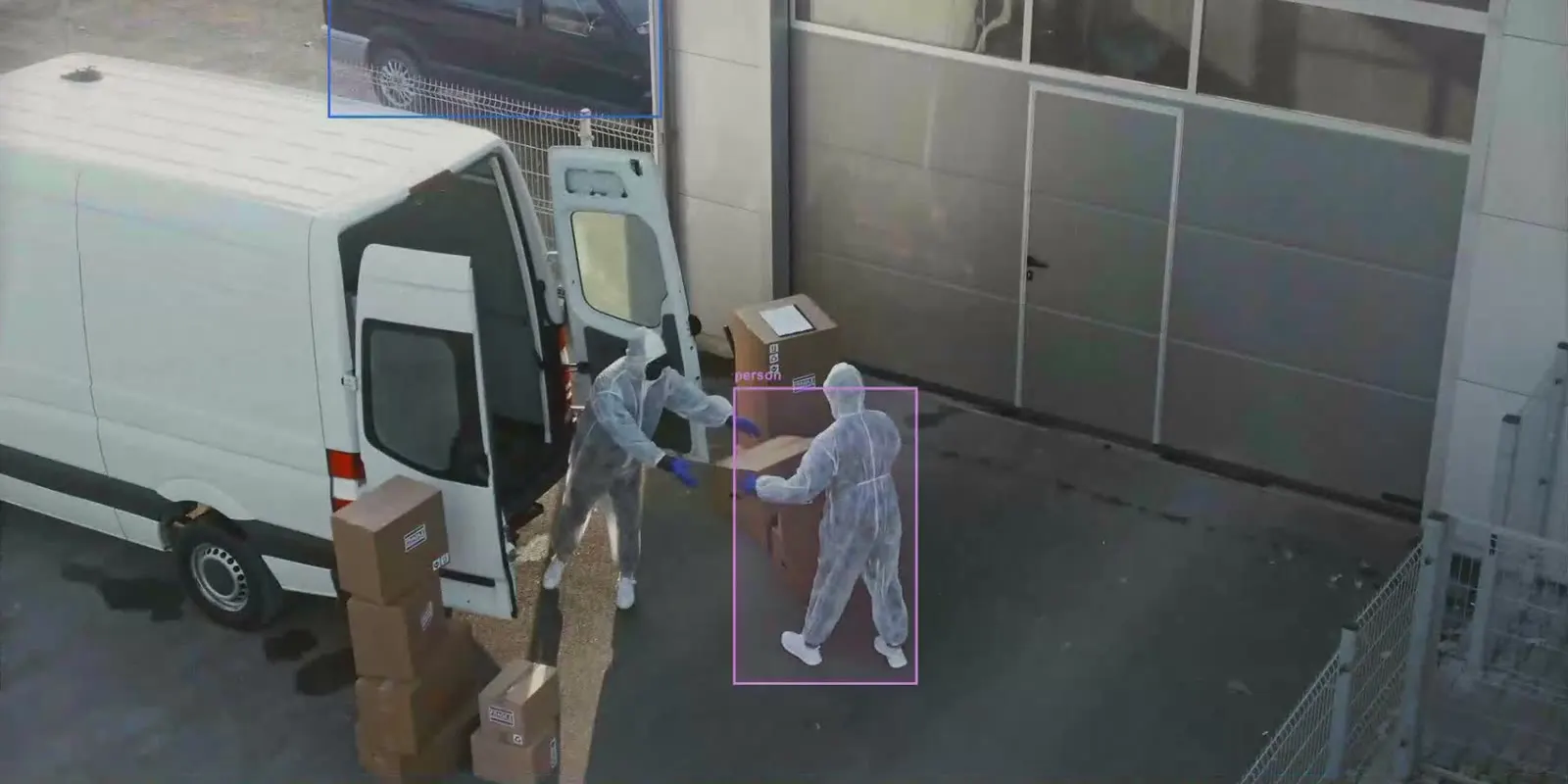
Was anyone at the dispatch bay early this morning?
Camera: Dispatch Bay
Time: 7:33 AM
Duration: 18 seconds
Detections: People and a van
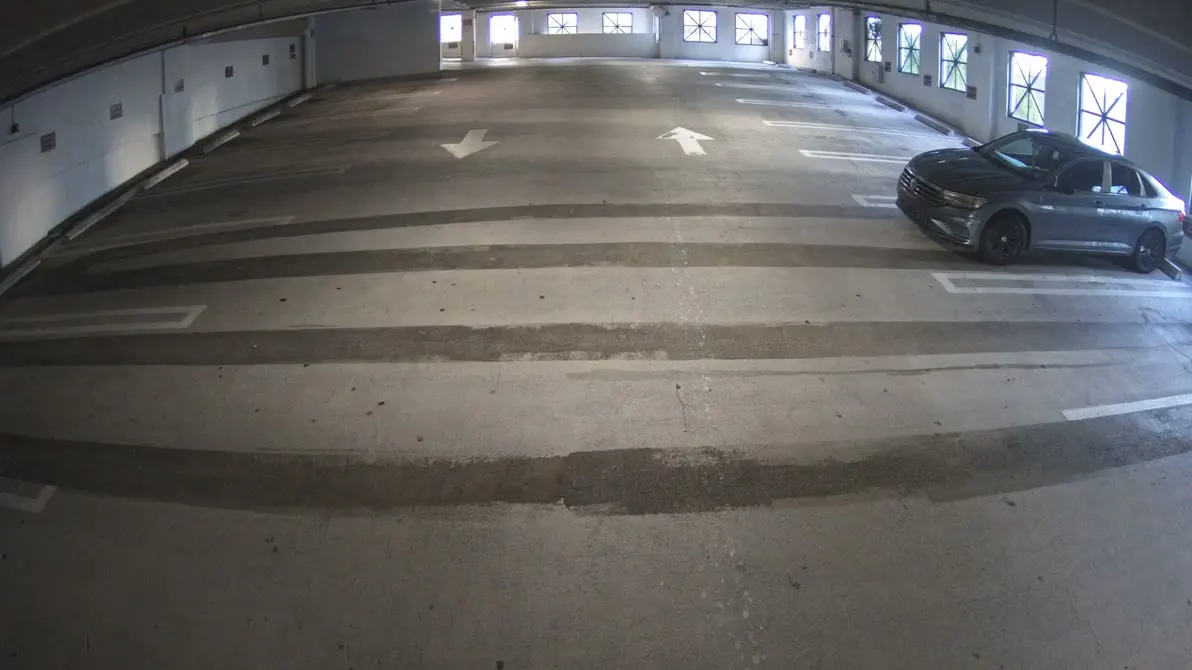
A car came into the garage around 8 this morning. Can you show me?
Camera: Garage Entrance 2
Time: 8:00 AM
Duration: 32 seconds
Detections: 1 car, 1 license plate
Ask for numbers, and get them camera by camera.
“Which camera was busiest today?” names no camera, and the answer named four. Retail Atrium came first, with 353 people and 1 vehicle. Street Corner, Main Lot and Lobby followed, each with people and vehicles counted apart.
“Which camera was busiest today?”
CamRA's line: Busiest camera (so far today): Retail Atrium · Total detections: 354 · People: 353 · Vehicles: 1
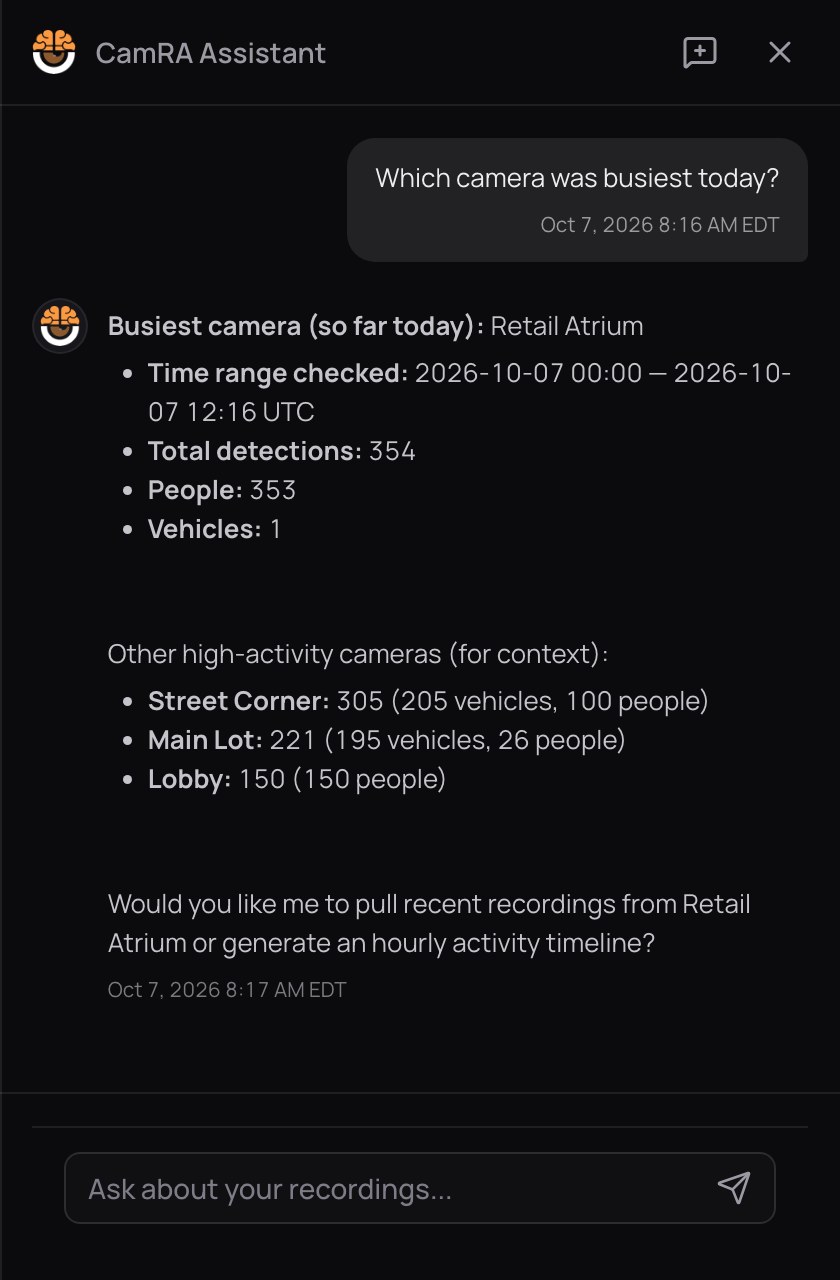

The same answer in the CamRA Assistant.
Busy lots and gates: AI Chat for parking.
A car stopped at the dock door at 11:28 PM. In the morning, you want the whole night.
Without asking
- Open the dock camera.
- Pick last night.
- Play twelve recordings one by one.
- Hope you didn’t skip the one that mattered.
12 recordings to play
With AI Chat
“What happened at Loading Dock 1 last night? Show me the clip.”
- CamRA counts10 clips
- Early evening6:13–6:27 PM
- Late, what the alert matched11:28–11:29 PM
- Play first6:21 PM · 126 seconds
Event alert: Loading dock after hours · matched the 11:28 PM recording
The chat knows what the rest of CamRA knows.
- AI Incidents
The clip it picked has its own report: “Parked vehicle with brief movements at Loading Dock 1”, Low 2.
- AI Alerts
That same night, two dock recordings matched “Loading dock after hours” and alerted four people.
- Vehicles
Vehicles are counted the same way as people, camera by camera.
Incidents · Loading Dock 1 · 6:21 PM
A white car remained parked at Loading Dock 1 for the majority of the 2-minute recording while at least one person was detected nearby and largely stationary. Two additional vehicles exhibited short, low-duration movements (4 and 9 frames) consistent with passing or repositioning; no aggressive motion, crowding, or safety hazards were observed.
The report for that clip.
Ask once. Watch the clip.
Book a demo and bring a question about your own site. We’ll ask CamRA with you.